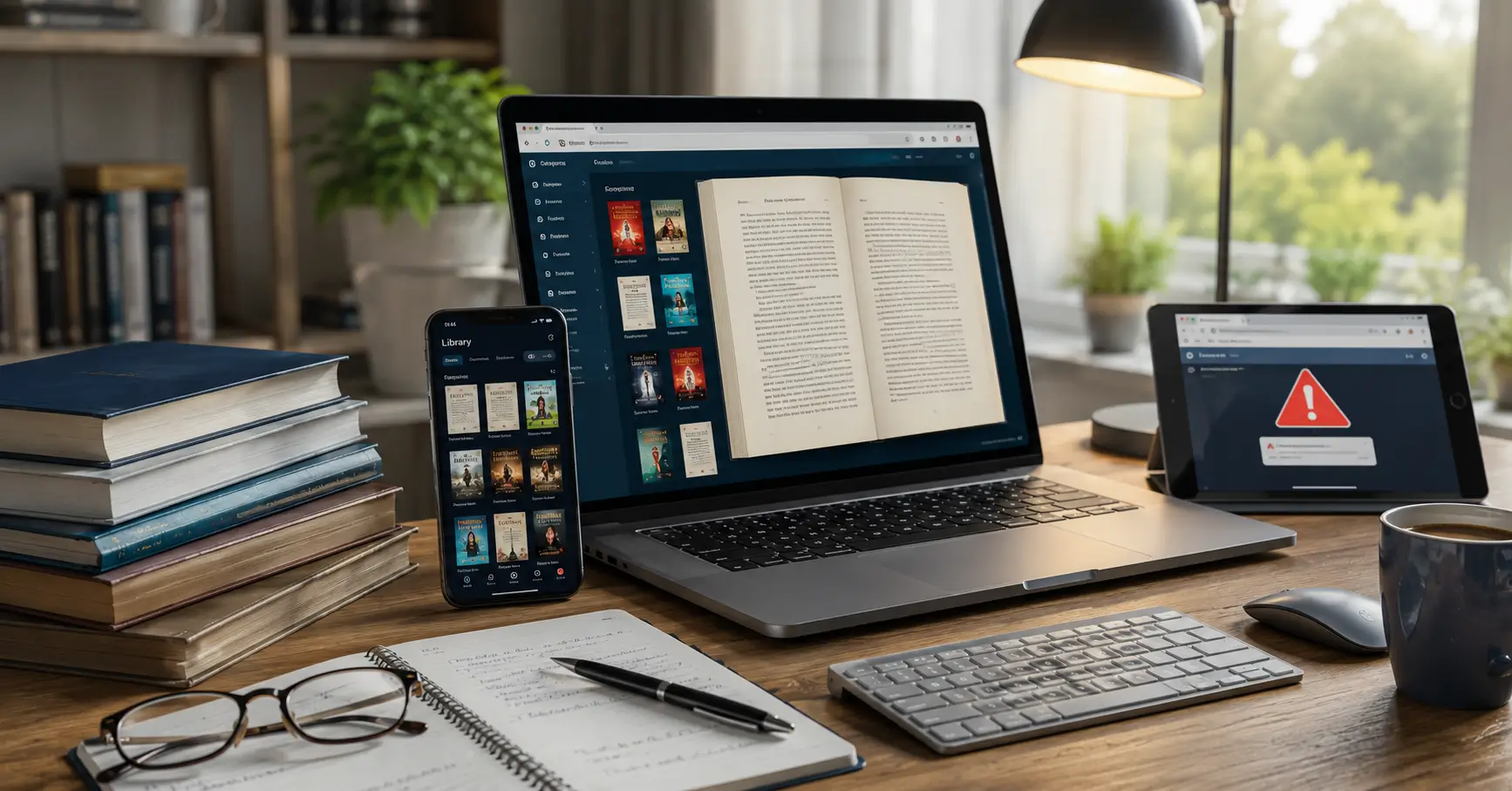
Finding a book online can take seconds. Finding the right PDF from a trustworthy source is a different challenge.
If you know how to download PDF books correctly, you can read ebooks on a phone, laptop, tablet, or dedicated e-reader without relying on suspicious websites. The key is understanding the difference between a genuinely free book and a copyrighted book that has simply been uploaded somewhere without permission.
This guide explains practical ways to find and download PDF books, including public-domain collections, digital libraries, authorized ebooks, and library lending services.
What Does It Mean to Download a PDF Book?
A PDF book is an electronic version of a book stored in Portable Document Format (PDF). PDFs preserve the page layout, fonts, images, and formatting across many devices.
Downloading a PDF means saving that digital file to your device so you can access it later, usually without an internet connection.
However, PDF format does not determine whether a book is free to download.
A book can be available as a PDF while still being protected by copyright. The important question is whether the person or organization offering the file has the right to distribute it.
The U.S. Copyright Office explains that copyright generally gives creators rights over reproduction and distribution of their works. Permission or a relevant legal exception may therefore be required before someone can reproduce or distribute protected material.
How to Download PDF Books Legally
The safest approach is to start with sources that clearly explain why a book is available.
Here are the most useful options.
1. Download Public-Domain Books
Public-domain books are among the easiest legitimate books to obtain for free.
A work may enter the public domain when its copyright protection has expired, although the rules vary by country. This is why readers should consider the copyright laws applicable where they live.
Project Gutenberg is one of the best-known sources for older free ebooks. Its collection contains tens of thousands of ebooks, with a strong focus on literature whose U.S. copyright has expired.
The process is simple:
- Open a reputable public-domain ebook library.
- Search for the author or book title.
- Open the correct book record.
- Check the available formats.
- Select PDF when offered.
- Save the file to your device.
One important point is often missed: free of charge and free of copyright are not always the same thing. Project Gutenberg itself explains this distinction and advises readers outside the United States to consider the laws of their own country.
2. Use Digital Libraries
Libraries have become an important source of digital books.
The Library of Congress explains that ebooks can be read on computers, mobile devices, and dedicated e-readers and provides resources for finding digital books through its collections and catalog.
Digital library services can offer several types of access:
- Free public-domain downloads
- Online reading
- Temporary borrowing
- Institution-based access
- Digitized historical materials
This makes libraries particularly useful when you cannot legally find a free downloadable copy elsewhere.
3. Borrow Books Through Open Library
Open Library provides another legitimate route for accessing digital books.
Depending on the title, a reader may be able to borrow a digitized book and read it through the browser. Open Library explains that participating libraries and the Internet Archive make selected digitized books available for borrowing, sometimes in formats such as PDF and EPUB.
The basic process is:
- Create or sign into an Open Library account.
- Search for the book.
- Check whether a borrowable edition exists.
- Borrow the title if available.
- Read it in the browser or use the permitted reading/download option.
Availability depends on the particular edition and lending terms.
4. Check the Publisher or Author
Before searching random websites, check the official publisher or author’s website.
Some authors make older books, educational material, research reports, or selected chapters freely available. Publishers may also provide legitimate ebook editions, previews, or promotional downloads.
This is especially important for newer books. If a recently published book is suddenly offered as a complete free PDF by an unrelated website, that should raise a warning flag.
5. Search for Official Institutional PDFs
Universities, government agencies, research institutions, and nonprofit organizations sometimes publish books and reports as PDFs.
These files are often intended for public access.
For example, an academic institution may publish a research book under an open-access license, while a government organization may provide a report for public use.
When you find such a file, look for:
- The organization’s official domain
- Publication information
- Author information
- Copyright or license details
- An official PDF download button
The source of the PDF matters as much as the file itself.
How to Download PDF Books Using Google Search
Search engines can help locate legitimate PDF files, but you should use them as a discovery tool rather than assuming every result is authorized.
For example, you might search for:
book title PDF official
or:
book title PDF site:edu
or:
book title PDF site:gov
You can also use Google’s file-type search functionality to locate PDF documents.
But there is an important limitation.
A search engine can find a PDF without verifying that the person hosting it has permission to distribute the book. Therefore, a PDF appearing in search results does not prove that the download is legal.
Always investigate the website hosting the file before downloading.
How to Download PDF Books on a Phone
Downloading a legitimate PDF book on a smartphone is usually straightforward.
Android
- Open Chrome or another trusted browser.
- Visit the authorized ebook or library website.
- Find the book.
- Select the PDF or download option.
- Allow the download if your browser asks.
- Open the Downloads folder.
- Use a trusted PDF reader to read the book.
iPhone and iPad
- Open Safari.
- Visit the legitimate source.
- Open the available PDF.
- Use the share menu.
- Choose an appropriate save or reading option.
- Open the file through your preferred reading application.
The exact menu names can vary depending on the operating-system version and installed applications.
How to Download PDF Books on a Laptop
The process is similar on Windows, macOS, and many Linux systems.
Step-by-step method
- Find a legitimate source.
- Search for the book title.
- Verify the author and edition.
- Confirm that the source is authorized.
- Click the PDF or download button.
- Select a storage location if your browser asks.
- Open the downloaded file using a PDF reader.
If the file automatically opens inside your browser, look for the browser’s download icon rather than searching for another website.
How to Tell Whether a Free PDF Is Legitimate
This is where many readers make mistakes.
A website may use words such as “free,” “instant,” or “no registration”, but those words do not establish that a book is legally available.
Use this quick checklist.
| Check | What to look for |
|---|---|
| Source | Official publisher, author, library, university, government, or established digital library |
| Copyright | Clear copyright or licensing information |
| Author | Correct author and publication information |
| Edition | Correct title and edition details |
| Download | Normal download process without suspicious redirects |
| Website | Professional domain and transparent ownership |
| Licensing | Public-domain, Creative Commons, open-access, or other clear authorization |
If a website cannot explain why it is allowed to distribute a copyrighted book, look for another source.
Common Mistakes to Avoid
Mistake 1: Assuming Every Free PDF Is Legal
A free download can still be an unauthorized copy.
Better approach: Check the source and licensing information.
Mistake 2: Using Search Results as Proof
Search engines index websites; they do not automatically grant permission to download copyrighted books.
Better approach: Verify the original source.
Mistake 3: Downloading Unknown Files
A suspicious website may offer a supposed “PDF” that is actually an executable file, archive, or deceptive download.
Better approach: Download documents from established sources and keep security software and your browser updated.
Mistake 4: Ignoring Edition Differences
Two files may have the same title but different editions, translations, page layouts, or introductions.
Better approach: Check the author, publisher, publication date, translator, and edition information.
Mistake 5: Confusing Preview With Full Book
Some websites legally provide a sample chapter or limited preview rather than the complete book.
Better approach: Read the page carefully before assuming that a complete PDF is available.
Myths vs Facts About PDF Book Downloads
| Myth | Fact |
|---|---|
| Every PDF online is free to use | A PDF may still be copyrighted |
| If Google finds it, it must be legal | Search results do not establish distribution rights |
| Only paid books are copyrighted | Free ebooks can also be copyrighted |
| Public-domain means every edition is free | A newer translation or edition can have separate rights |
| Downloading is always safe | Unknown websites can expose users to security and privacy risks |
| Libraries only offer physical books | Many libraries and digital services provide electronic access |
The distinction between free access and legal permission is one of the most important lessons when learning how to download PDF books.
A Simple Example
Imagine you want a classic novel written more than a century ago.
You find three results:
- Website A: An established digital library clearly identifying the work and its rights status.
- Website B: An unknown website offering hundreds of recent bestsellers for free.
- Website C: A publisher selling an official digital edition.
Website A is the strongest candidate for free legal access if the specific edition is legitimately available. Website C is appropriate when you want the official current edition.
Website B deserves caution, particularly if it offers copyrighted books without explaining its distribution rights.
The lesson is simple: choose the source before choosing the download button.
What to Do When a Book Is Not Available as a Free PDF
You do not need to rely on questionable download sites.
Try these alternatives:
- Borrow the physical book from a library.
- Check a digital library for an electronic lending copy.
- Look for an authorized ebook edition.
- Check the author’s official website.
- Search the publisher’s website.
- Look for a legitimate public-domain version if the work qualifies.
- Check university or institutional repositories for authorized material.
The Library of Congress notes that its resources can help readers locate ebooks and digital materials through its catalog and collections.
Why Legal Sources Are Usually the Better Choice
Legal ebook sources offer more than peace of mind.
They are generally better for accuracy, reliability, security, and attribution.
An authorized copy is more likely to identify the correct author, edition, translator, publisher, and licensing information. A reputable digital library also provides a clearer explanation of how the book can be accessed.
There is another advantage: using legitimate sources supports the ecosystem that produces books.
Authors, translators, editors, publishers, libraries, and archivists all contribute to making literature available. Choosing authorized access helps maintain that ecosystem.
Key Takeaways
If you want to download a PDF book, follow these principles:
- Start with the author, publisher, or library.
- Use public-domain collections for legitimately free classics.
- Check licensing and copyright information.
- Do not assume a Google result is automatically authorized.
- Use established digital libraries for borrowing.
- Verify the edition before downloading.
- Avoid suspicious websites and unknown files.
- If a copyrighted book is not legally free, use an authorized purchase or borrowing option.
The best way to learn how to download PDF books is not simply to find the fastest download button. It is to learn how to identify a trustworthy source first.
Once that habit becomes automatic, finding ebooks becomes easier, safer, and much more reliable.
FAQ
Is it legal to download PDF books for free?
Yes, when the book is legitimately offered for free, such as through a public-domain collection, authorized open-access source, library lending service, or the copyright holder. A free PDF of a copyrighted book is not automatically legal.
Where can I download free PDF books legally?
You can look at established digital libraries, public-domain collections, institutional repositories, author websites, and publisher websites. Project Gutenberg is one major source for free ebooks whose U.S. copyright has expired.
Can I use Google to find PDF books?
Yes. Google can help you discover PDF documents, but a search result does not prove that the file is legally distributed. Always verify the website hosting the book and check its copyright or licensing information.
How can I download PDF books on my phone?
Open the legitimate book source in your mobile browser, find the authorized PDF, select the download option, and open the saved file with a compatible PDF reader. The exact steps vary between Android and iPhone.
How do I know whether a free PDF website is safe?
Check whether the website clearly identifies its organization, explains its licensing or distribution rights, provides normal download controls, and has trustworthy publication information. Avoid suspicious sites with aggressive pop-ups, deceptive buttons, or unexplained files.
What should I do if a book is not available as a free PDF?
Try borrowing it from a library, using a digital lending service, checking the publisher or author’s website, or purchasing an authorized ebook. If the book is copyrighted and no legitimate free copy exists, avoid unauthorized download sites.
Conclusion
Downloading a book as a PDF should be simple, but finding a legitimate copy is more important than finding the fastest download link.
The safest strategy is to begin with trusted sources such as public-domain libraries, digital libraries, publishers, authors, universities, government organizations, and authorized ebook services. Always check the book’s copyright status and the website’s permission to distribute it.
The most important takeaways are straightforward: verify the source, respect copyright, use trusted download locations, check the edition, and avoid suspicious websites.
If a free legal PDF is unavailable, borrowing or purchasing an authorized digital copy is usually the better option.
With these habits, you can confidently find and download PDF books while protecting your device, respecting authors and publishers, and making better use of the growing world of digital libraries.
Disclaimer
This article is provided for general educational and informational purposes. Copyright and ebook distribution laws vary by country, and whether a particular book or digital edition can legally be downloaded depends on its copyright status, license, distribution rights, and local law.
The inclusion of a website or digital service as an example does not guarantee that every title available through that service is free to download or available in every country. Readers should verify the copyright status and terms of use for the specific book and edition they want to access.
This guide does not provide legal advice. When in doubt, use an authorized publisher, author, library, public-domain collection, or other clearly licensed source. The U.S. Copyright Office notes that copyright owners generally hold rights concerning reproduction and distribution, subject to applicable limitations and exceptions.