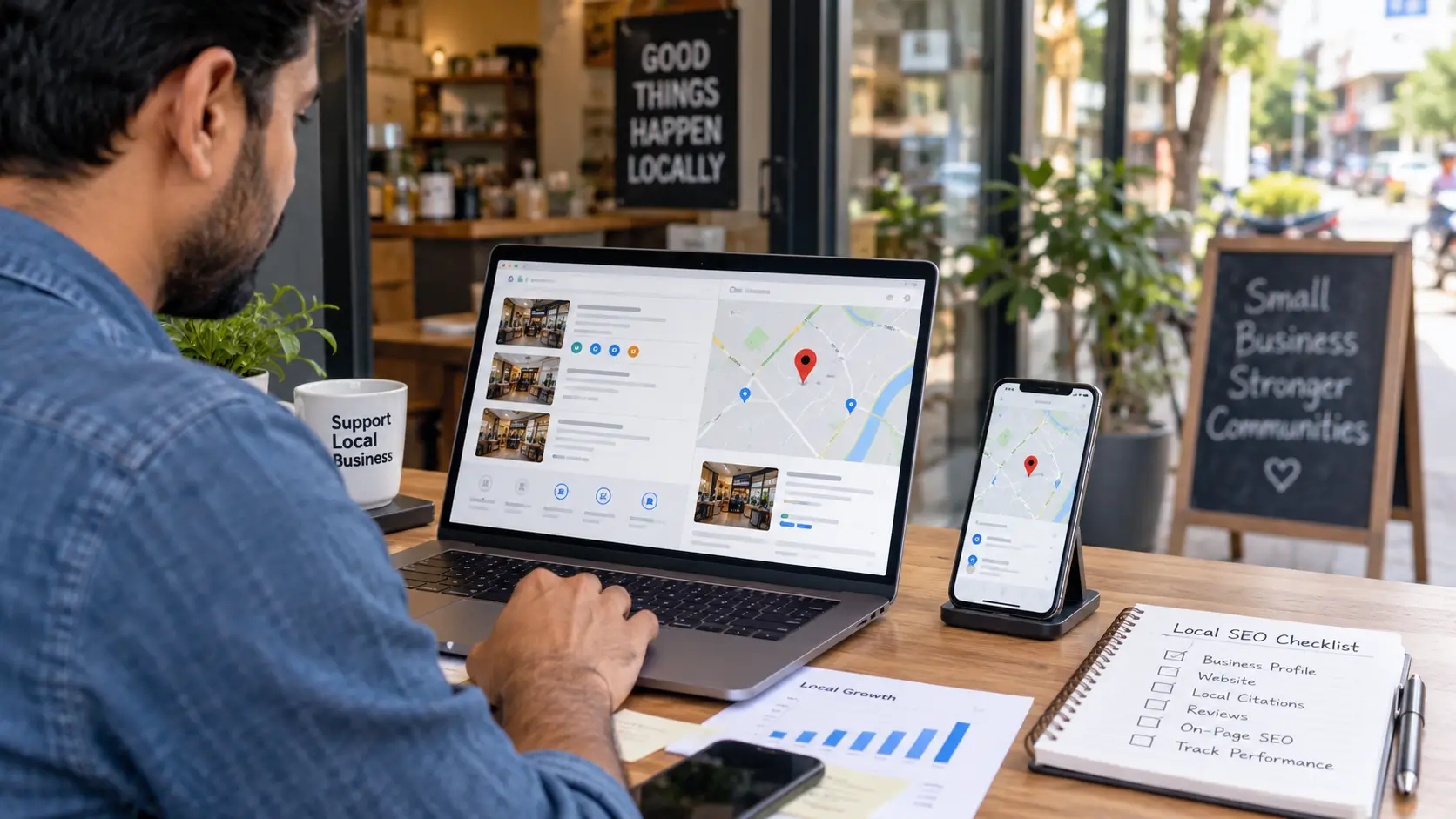
If you run a local business in India, local SEO is about making it easier for nearby customers to understand who you are, what you offer, where you operate and how to contact you through Google Search and Maps.
The starting point is not adding dozens of keywords. Google says local results are mainly based on relevance, distance and prominence. Businesses can improve the information Google has about them, but they cannot directly control distance or request a better local ranking.
This 2026 local SEO checklist focuses on the practical foundations: Google Business Profile, reviews, website SEO, citations, structured data and measurement.
Quick Answer
The most important local SEO tasks are:
- Make sure the business is eligible for Google Business Profile.
- Claim and verify the profile.
- Use the real-world business name.
- Select an accurate primary category.
- Keep address, service area and hours accurate.
- Maintain accurate phone and website information.
- Collect genuine customer reviews without incentives.
- Build useful location and service information on the website.
- Keep important business information consistent across legitimate listings.
- Implement appropriate technical SEO and structured data.
- Measure results instead of assuming a tactic worked.
What Is Local SEO?
Local SEO is the process of improving a business’s visibility when people search for products or services associated with a particular location.
For example, a customer might search for:
- dentist near me
- best salon in Ludhiana
- mobile repair shop in Delhi
- café near Chandigarh
- AC repair in Pune
Google uses several signals to determine which local businesses are relevant. Its own documentation identifies relevance, distance and prominence as the primary local-ranking factors.
That means local SEO is not simply about putting a city name into a webpage.
30-Step Local SEO Checklist
Google Business Profile
1. Check eligibility
Google Business Profiles are intended for businesses that interact with customers in person. Online-only businesses are not eligible simply because they have a website.
2. Claim your Business Profile
If the business already appears on Google Maps, claim the existing profile rather than creating unnecessary duplicates.
3. Complete verification
Google says verification establishes that you are authorized to represent the business.
4. Use the real business name
Do not insert keywords, locations or marketing slogans into the business name just to target searches.
Google requires the profile name to reflect the business’s real-world name.
5. Select the most appropriate category
Choose the category that best represents the business rather than selecting unrelated categories simply because they contain valuable keywords.
6. Check your address
Use an accurate physical address where applicable. Google does not permit remote P.O. boxes or virtual offices that do not represent an operating business location.
7. Set the service area correctly
Service-area businesses can specify the areas they serve. Google recommends keeping service-area information specific and accurate.
8. Check opening hours
Regular and special hours should reflect the actual operating schedule.
9. Check phone and website information
The profile should point customers toward the appropriate business phone number and website.
10. Add useful photos
Use genuine images that help customers understand the business, location, products or services.
Google itself recommends adding photos and videos to Business Profiles.
Reviews and Reputation
11. Ask genuine customers for reviews
Google allows businesses to request reviews through a review link or QR code.
12. Never buy reviews
Do not purchase reviews or manufacture customer experiences.
13. Don’t offer rewards for reviews
Google explicitly prohibits incentives such as free or discounted products or services in exchange for reviews, changing reviews or removing negative reviews.
14. Respond to reviews
Reply professionally and address genuine customer concerns where appropriate.
Google says responding to reviews demonstrates that customer feedback matters.
Website Local SEO
15. Create a useful location page
If location is important to the business, the website should clearly communicate where it operates.
16. Explain the services
Each important service should be described clearly rather than relying on a page containing only a list of keywords.
17. Make contact information easy to find
Customers should not have to search through several pages to find a phone number, address, contact form or booking option.
18. Use natural local terminology
Mention relevant cities, neighbourhoods or service areas where they genuinely describe the business.
Do not create huge blocks of city names solely to manipulate search results. Google identifies this type of practice as keyword stuffing.
19. Make the website mobile-friendly
Local searches frequently occur while people are away from their desks. A mobile visitor should be able to understand the business and contact it without friction.
20. Check indexing and technical SEO
Make sure important pages are crawlable, indexable and accessible.
Citations and Local Authority
21. Keep core business information consistent
Check the business name, address, phone number and website across important legitimate listings.
22. Correct outdated listings
An old address or incorrect phone number can create confusion for customers and search engines.
23. Use relevant local and industry directories
Do not try to submit a business to every directory on the internet. Focus on legitimate platforms that customers or the industry actually use.
24. Avoid spammy link-building schemes
A local SEO campaign should not depend on mass-produced directories, automated links or other tactics designed primarily to manipulate rankings.
Google’s Search Essentials explicitly warns against link spam and other ranking-manipulation practices.
Structured Data and Technical SEO
25. Consider LocalBusiness structured data
Google supports LocalBusiness structured data for communicating business information such as address, hours and other relevant details. Google recommends using the most specific applicable LocalBusiness subtype.
26. Keep structured data accurate
Schema should describe information that actually appears on the page.
Do not add fictional ratings, reviews, prices, locations or services merely because they contain useful keywords.
Google recommends validating structured data with its Rich Results Test and checking how Google sees the page through URL Inspection.
Measurement
27. Set up Google Search Console
Use Search Console to understand how website pages appear in Google Search.
28. Monitor actual local business outcomes
Depending on the business, useful measurements may include:
- calls
- enquiries
- bookings
- directions
- website visits
- contact-form submissions
- relevant organic impressions
- conversions
29. Compare performance over time
Don’t judge local SEO from a single Google search. Local results can vary according to the searcher’s location and query.
Google’s own explanation makes distance an explicit local-ranking factor.
30. Review the checklist periodically
Local SEO is not a one-time installation.
Business hours change. Services change. Businesses move. Reviews accumulate. Websites change. Google updates its products and policies.
Review important business information regularly.
What Local SEO Cannot Guarantee
Completing this checklist does not guarantee:
- first position in Google Maps
- inclusion in the Local Pack
- a particular number of calls
- a particular amount of traffic
- a specific Google ranking
- immediate results
Google explicitly says local results are based primarily on relevance, distance and prominence, and that there is no way to request or pay for a better local ranking.
This is important because local SEO is partly dependent on factors outside a business owner’s direct control.
Common Local SEO Mistakes
Adding keywords to the Google Business Profile name
Google says the business name should reflect its real-world name. Unnecessary information in the name is not permitted and can create policy problems.
Creating fake locations
A business should not create profiles for locations where it does not actually operate.
Buying reviews
This violates Google’s review policies.
Creating dozens of thin location pages
A page should exist because it provides useful information for users—not merely because a city name has search demand.
Treating every directory as equally valuable
More listings do not automatically mean better SEO.
Ignoring the website
A Business Profile and the business website form different parts of the overall local presence.
Expecting instant results
Local visibility depends on several factors, including relevance, distance and prominence.
Local SEO Checklist for Indian Businesses
Indian businesses should pay particular attention to:
- correct addresses and PIN codes
- city and neighbourhood names
- local-language customer queries where relevant
- service-area accuracy
- mobile usability
- WhatsApp or phone contact options where genuinely offered
- legitimate Indian business directories relevant to the industry
- consistent business information
- genuine local reviews
- accurate operating hours
However, the underlying principle remains the same: do not create local information that is not true simply because it may contain a keyword.
Bottom Line
A good local SEO strategy is not about completing the largest possible number of SEO tasks.
Start with an eligible and verified Google Business Profile, accurate business information, appropriate categories, genuine reviews and a useful website. Then improve legitimate local references, technical SEO and structured data, and measure the resulting business outcomes.
Most importantly, treat the checklist as a maintenance system rather than a one-time ranking trick.
Google’s own guidance remains the clearest foundation: local results are primarily influenced by relevance, distance and prominence.
FAQ
What is a local SEO checklist?
A local SEO checklist is a practical list of tasks for improving a business’s visibility in location-based Google Search and Maps results. It commonly covers Google Business Profile, reviews, website SEO, citations, structured data and measurement.
How do I improve local SEO?
Start by making your Google Business Profile accurate and verified, then improve your website’s local information, earn genuine reviews, maintain accurate business listings and monitor performance.
Does Google Business Profile help local SEO?
Yes. Google says businesses can use their Business Profile to manage information shown on Google Search and Maps and improve how their business appears online.
Should I put keywords in my Google Business Profile name?
No, not unless those words are genuinely part of the business’s real-world name. Google requires the profile name to accurately represent the business.
Do Google reviews help local SEO?
Google says reviews and positive ratings can contribute to prominence in local search. Reviews must represent genuine customer experiences.
Does local SEO guarantee Google Maps rankings?
No. Google says local results depend primarily on relevance, distance and prominence, so no checklist can guarantee a particular Maps position.
Is local SEO useful for service-area businesses?
Yes, provided the business is eligible and accurately represents its service area. Google specifically supports service-area businesses, while requiring accurate representation of the business location and service area.
Does LocalBusiness schema guarantee better rankings?
No. Structured data helps Google understand page content and can make pages eligible for certain search features, but Google does not state that adding LocalBusiness schema guarantees higher rankings.
DISCLAIMER
General information: This guide is intended for general educational and informational purposes. Google’s Business Profile policies, search features and documentation can change, so businesses should verify current requirements with Google before making significant changes to their listings.