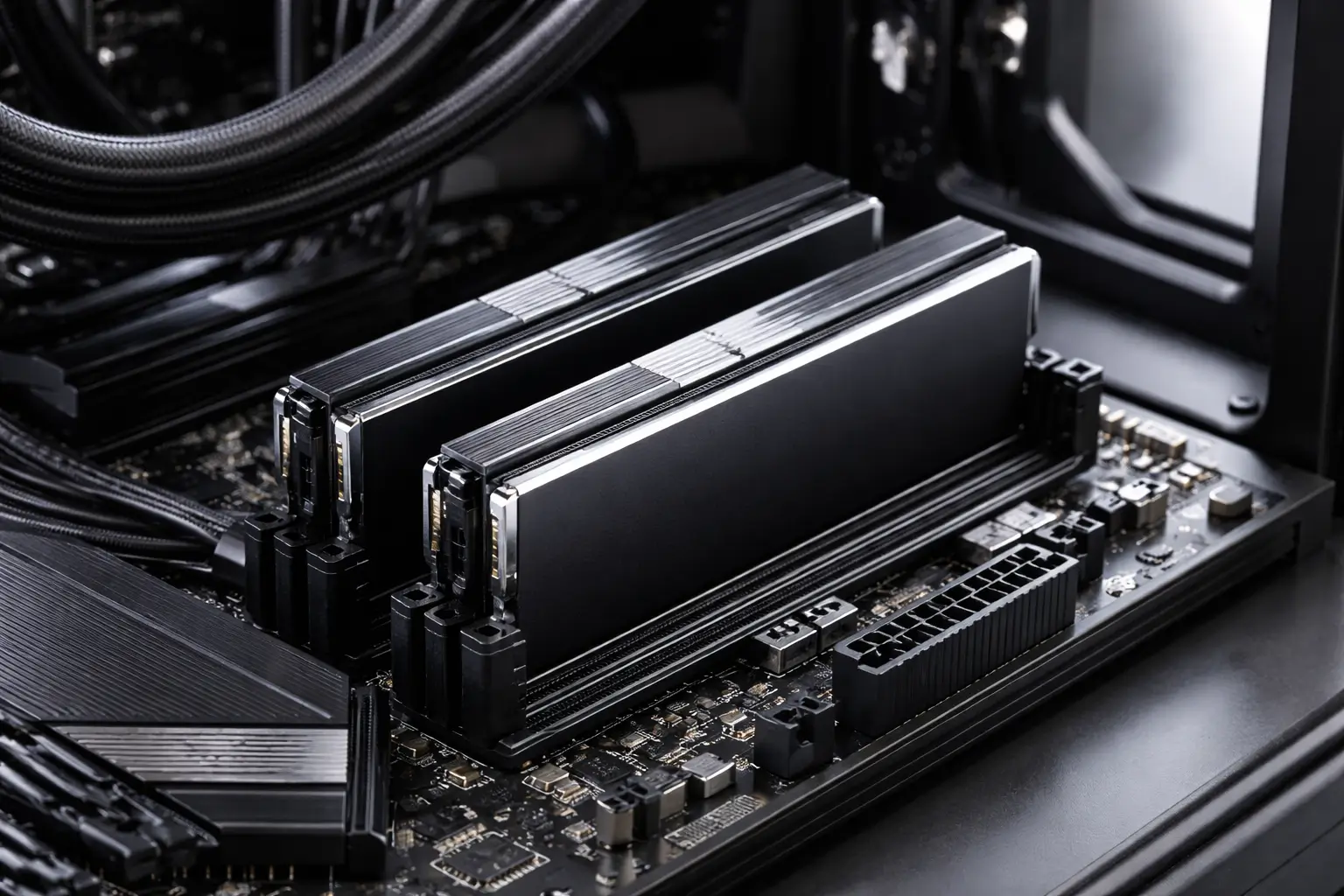
DDR5 RAM is no longer a future-facing spec reserved for flagship builds. It has quietly become the default memory standard for new desktop platforms and high-performance laptops. Yet a growing number of buyers—first-time builders and seasoned upgraders alike—are discovering that choosing DDR5 RAM is not as straightforward as picking the fastest kit within budget.
Compatibility issues rarely announce themselves on product pages. They surface later: systems that refuse to boot, memory running far below advertised speeds, random instability, or expensive returns that could have been avoided. The problem is not DDR5 itself—it is the assumptions people bring from years of buying DDR4.
What follows is a detailed, experience-driven breakdown of the compatibility factors buyers most often miss when selecting DDR5 RAM, why they matter in real-world use, and how to make confident, informed decisions—whether you are building a new system or refining an existing one.
Why DDR5 RAM Compatibility Is More Complex Than DDR4
DDR5 introduced architectural changes that go well beyond higher frequencies. These changes improve scalability and efficiency, but they also shift responsibility away from the motherboard and onto the memory modules themselves.
Key differences that affect compatibility include:
- On-module power management (PMIC)
- Dual 32-bit memory channels per DIMM
- Significantly higher default frequencies
- Tighter coupling between CPU memory controllers and RAM profiles
As a result, DDR5 RAM compatibility is influenced by more variables simultaneously. Ignoring even one of them can limit performance or prevent the system from functioning correctly.
Motherboard Chipset and Socket Limitations
The first and most fundamental compatibility checkpoint is the motherboard.
DDR5 Is Not Backward-Compatible
This point seems obvious, yet it remains a frequent source of confusion:
- DDR5 RAM cannot be installed in DDR4 motherboards
- DDR4 and DDR5 slots are physically different
- Some CPU generations support both standards, but never on the same board
When choosing DDR5 RAM, the motherboard must explicitly support DDR5, not just the CPU.
Chipset-Level Constraints Still Apply
Even within DDR5-compatible boards, chipset differences matter:
- Entry-level chipsets may limit memory overclocking
- Some boards cap supported frequencies lower than premium models
- BIOS maturity varies significantly between manufacturers
In practice, this means the “best DDR5 RAM” on paper may not deliver its rated performance on every DDR5 motherboard.
CPU Memory Controller: The Silent Gatekeeper
DDR5 RAM performance is tightly bound to the CPU’s integrated memory controller (IMC). This is one of the most underestimated factors in compatibility decisions.
Official Support vs Real-World Stability
CPUs advertise official DDR5 support ratings—often conservative figures such as DDR5-4800 or DDR5-5600. Higher speeds rely on memory profiles and silicon quality.
Implications for buyers:
- High-frequency DDR5 kits may boot but remain unstable
- Two identical CPUs can behave differently with the same RAM
- Stability margins shrink as capacity and speed increase together
This is why experienced builders prioritize balanced configurations over chasing peak specifications.
BIOS Version and Firmware Maturity
DDR5 RAM compatibility often depends less on hardware and more on firmware.
Why BIOS Updates Matter More With DDR5
Early DDR5 motherboards frequently shipped with incomplete memory training routines. Over time, BIOS updates improved:
- Memory detection accuracy
- Profile compatibility
- Boot stability with higher-capacity kits
Buying DDR5 RAM without verifying BIOS readiness is one of the most common mistakes buyers make—especially when pairing new memory with older boards.
Practical Takeaway
Before installing DDR5 RAM:
- Check the motherboard’s BIOS version
- Review update notes related to memory compatibility
- Update BIOS before enabling performance profiles
This single step resolves a large percentage of DDR5-related issues reported by users.
XMP, EXPO, and Profile Confusion
Memory profiles are essential for unlocking DDR5 performance—but they are also a frequent source of misunderstanding.
What Buyers Often Miss About Profiles
- Intel-oriented kits use XMP profiles
- AMD platforms favor EXPO profiles
- Some kits support both, many do not
Using the wrong profile can lead to:
- Memory running at base speeds
- Boot loops or failed training
- Subtle instability under load
The best DDR5 RAM for one platform may not be the best choice for another, even at identical speeds and timings.
Capacity Configuration: More Is Not Always Better
DDR5 behaves differently when populated with multiple modules.
Single vs Dual DIMM Considerations
Common buyer assumptions include:
- “Two sticks are always better than one”
- “Higher capacity kits behave the same as smaller ones”
In reality:
- Dual-DIMM setups stress the memory controller more
- High-capacity kits often run at lower stable speeds
- Four-DIMM configurations are especially challenging with DDR5
For most users, moderate capacity with stable frequencies delivers better real-world performance than maximum capacity at unstable settings.
Frequency vs Timings: Interpreting DDR5 Specs Correctly
DDR5 marketing heavily emphasizes frequency, but frequency alone does not define performance or compatibility.
Why Timings Matter More Than Many Think
Higher frequencies typically come with looser timings. In some workloads, this reduces practical gains.
Compatibility implications include:
- Tighter timings demand better silicon
- Some boards struggle with aggressive latency profiles
- Stable mid-range kits often outperform unstable high-end kits
Experienced builders often favor balanced DDR5 RAM configurations rather than headline speeds.
Power Management IC (PMIC) Quality
DDR5 RAM modules include onboard power management, which introduces new variability between manufacturers.
Why PMIC Quality Affects Stability
Differences in PMIC design can influence:
- Voltage consistency
- Thermal behavior
- Long-term reliability under sustained loads
Cheaper DDR5 kits may meet specifications but struggle under stress, particularly in compact systems or warm environments.
This is a key reason why the “best DDR5 RAM” is often defined by consistency rather than raw specifications.
Real-World Compatibility Scenarios Buyers Overlook
Beyond technical specifications, practical usage patterns also affect DDR5 RAM compatibility.
Mixing Kits Is Riskier Than Ever
With DDR5:
- Even identical model numbers can behave differently
- Manufacturing variance impacts stability
- Mixing kits often disables performance profiles
What worked reliably with DDR4 is significantly less predictable with DDR5.
Thermal Clearance and Physical Fit
DDR5 heat spreaders are often taller:
- Small-form-factor cases may have clearance issues
- Large CPU coolers can interfere with installation
- Poor airflow exacerbates thermal instability
Physical compatibility remains a non-trivial concern, especially in compact builds.
How to Choose DDR5 RAM With Compatibility in Mind
Buyers who encounter few issues typically follow a disciplined selection process.
Key practices include:
- Checking motherboard memory QVL lists
- Prioritizing platform-specific profiles
- Choosing capacity appropriate for workload
- Favoring BIOS-mature boards and recent firmware
This approach reduces troubleshooting time and improves long-term system reliability.
Where “Best DDR5 RAM” Claims Can Mislead
The phrase “best DDR5 RAM” often reflects benchmark scenarios rather than typical usage.
In editorial testing and real-world observation:
- Mid-tier kits often deliver the best stability-to-performance ratio
- Ultra-high frequencies benefit niche workloads
- Compatibility issues scale with ambition, not budget
Understanding your actual usage matters more than chasing absolute specifications.