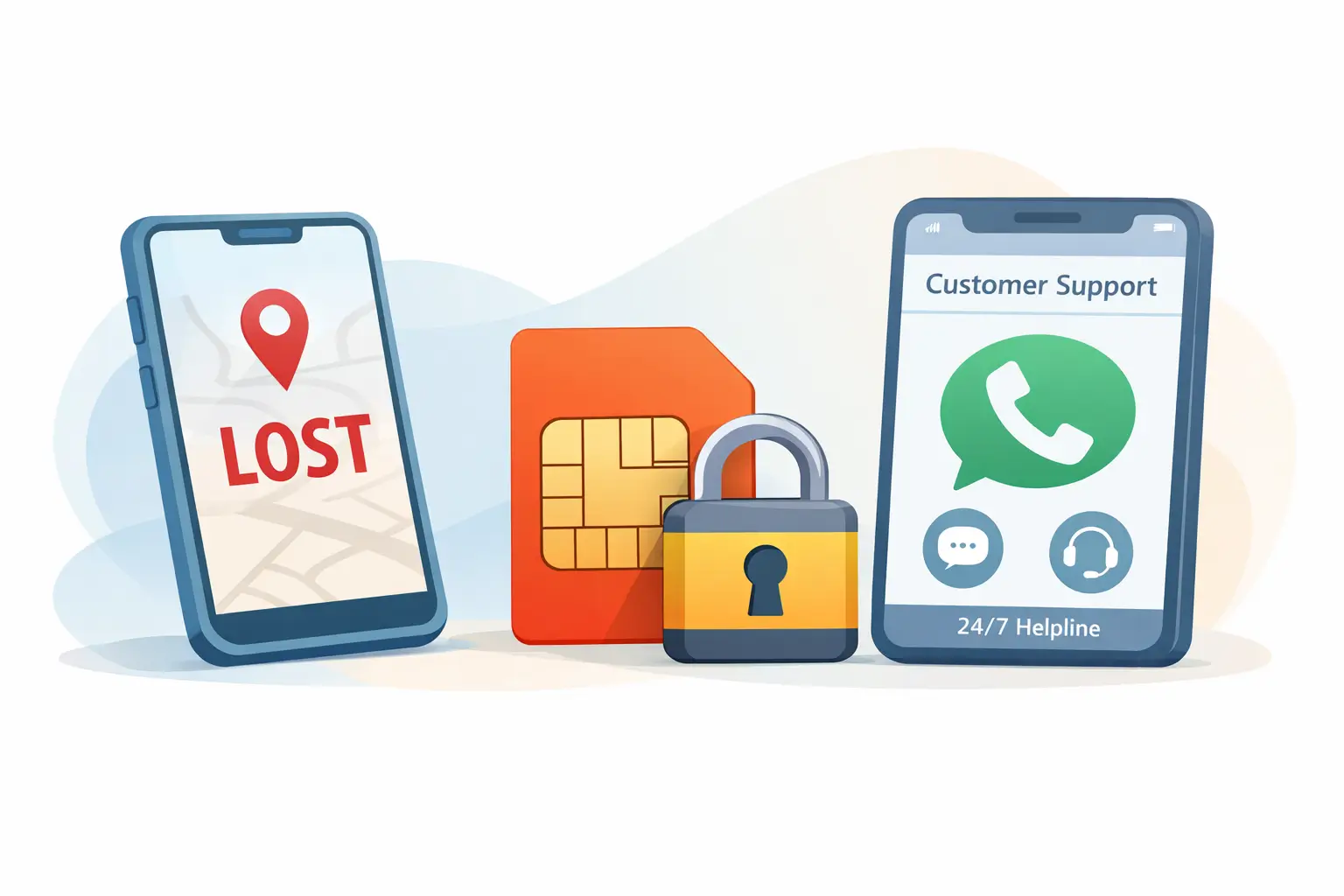
Losing your phone is stressful. What makes it worse is the silent risk that follows—your SIM card can be misused within minutes. From OTP interception and bank fraud to identity misuse, an active SIM in the wrong hands can cause serious damage. Knowing how to block SIM immediately is not just helpful; it is essential.
This guide explains, in clear and practical terms, how to block a SIM card quickly if your phone is lost—online, via helpline, or in person. It is written for general readers and professionals alike, with real-world context, step-by-step actions, and common mistakes to avoid.
Why Blocking Your SIM Immediately Matters
When your phone goes missing, most people focus on the device. In reality, the SIM card is the bigger risk.
An active SIM allows access to:
- One-time passwords (OTPs) for banking and UPI
- Password reset messages for email and social media
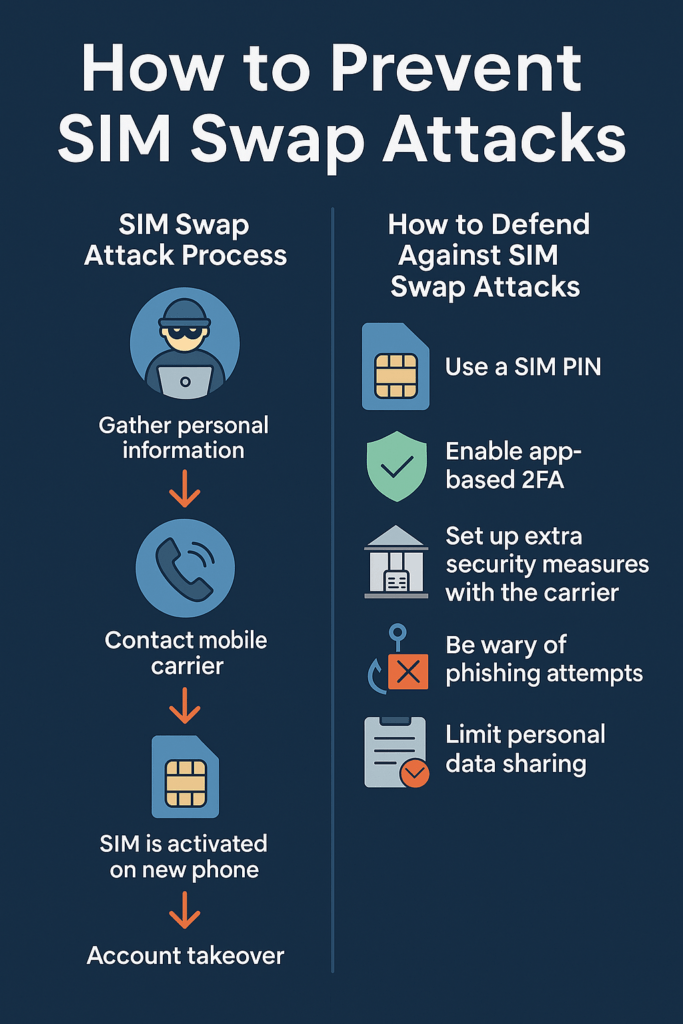
- Call forwarding or SIM-swap fraud attempts
- Verification for apps like WhatsApp, Telegram, and wallets
Blocking the SIM card cuts off this access instantly. Even if the phone is recovered later, blocking first and restoring later is the safest approach.
What You Need Before You Block a SIM
You do not need everything listed below in every case, but having these details ready speeds up the process:
- Mobile number linked to the SIM
- ID proof used when the SIM was issued (Aadhaar, PAN, passport, etc.)
- Alternate contact number (friend or family)
- SIM card number (ICCID), if available on the SIM jacket or bill
- Approximate date and location where the phone was lost
If you do not have all of this, do not delay. Most operators can still block the SIM after basic verification.
How to Block SIM Card Quickly: All Available Methods
There are three reliable ways to block a SIM card. Choose the fastest option available to you at the moment.
1. Block SIM Card via Customer Care Helpline (Fastest)
This is usually the quickest method, especially when you do not have internet access.
Steps:
- Call your mobile operator’s customer care number from another phone.
- Select the option for lost phone or SIM services.
- Request immediate SIM blocking.
- Verify your identity using basic details.
- Ask for a complaint or reference number.
In most cases, the SIM is blocked within minutes.
Tip: Stay on the call until you receive verbal confirmation that the SIM has been deactivated.
2. Block SIM Card Online Using Operator Website or App
If you have internet access, many telecom providers allow you to block SIM card online through their official portals.
Typical process:
- Log in using your registered mobile number or account ID
- Navigate to “Lost SIM” or “Manage Services”
- Select “Block SIM”
- Complete OTP or ID verification (sent to alternate number or email)
- Submit the request
Online blocking is especially useful if helplines are busy or unreachable.
3. Block SIM Card at a Retail Store or Service Center
If online and helpline options are unavailable, visit an authorized service center.
What to carry:
- Valid government ID
- Proof of mobile number ownership (if available)
A store executive can block the SIM instantly and also help you apply for a replacement SIM.

Operator-Specific Blocking Options (India)
While processes are similar, each telecom operator has slight variations in helpline numbers, apps, and verification steps. Most allow SIM blocking through:
- Customer care IVR
- Official mobile apps
- Web self-care portals
- Physical stores
If you cannot remember the exact helpline number, a quick web search using the operator name plus “block SIM lost phone” will lead to the official page. Always use verified sources to avoid scams.
How Long Does It Take to Block a SIM?
- Helpline: Immediate to 15 minutes
- Online request: Instant to 1 hour
- Store visit: Immediate
Once blocked, the SIM cannot receive calls, messages, or OTPs. Any attempt to misuse it will fail.
What to Do After Blocking the SIM
Blocking the SIM is the first step, not the last. Follow these actions next:
Secure Your Financial Accounts
- Inform your bank and payment apps
- Temporarily disable UPI if needed
- Change email and banking passwords
Track or Lock Your Phone
- Use device tracking services (Android or iOS)
- Lock the phone remotely
- Display a contact message on the lock screen
File a Police Complaint (If Required)
- Necessary for insurance claims
- Helpful for SIM replacement in some cases
- Important if fraud occurs later
How to Get a Replacement SIM After Blocking
Blocking the SIM does not cancel your number. You can usually get a replacement SIM with the same number.
Process:
- Visit an authorized store
- Provide ID verification
- Request a duplicate SIM
- Activate it (may take a few hours)
Your plan balance, validity, and linked services are typically restored.
Common Mistakes People Make After Losing a Phone
Avoid these errors to reduce risk:
- Waiting “a few hours” before blocking the SIM
- Assuming phone lock alone is enough
- Ignoring SMS-based OTP vulnerabilities
- Calling unverified helpline numbers found on social media
- Forgetting to secure email accounts linked to the SIM
Speed and accuracy matter more than recovery hopes.

Benefits and Drawbacks of Blocking a SIM
Benefits
- Immediate protection against fraud
- Prevents OTP interception
- Stops SIM-swap attempts
- Preserves control over your number
Drawbacks
- Temporary service disruption
- Need to visit store for replacement
- Minor verification inconvenience
The benefits far outweigh the inconvenience.
Frequently Asked Questions (FAQs)
How to block SIM if my phone is switched off?
You can still block the SIM via customer care, online portal, or store visit. The phone status does not matter.
Can someone misuse my SIM if the phone is locked?
Yes. The SIM can be removed and used in another device. Locking the phone alone is not enough.
Is blocking SIM card online safe?
Yes, if done through the official operator website or app. Avoid third-party sites.
Will I lose my number permanently after blocking?
No. Blocking is temporary. You can reactivate the same number with a replacement SIM.
How much does a replacement SIM cost?
Charges vary by operator. Some provide it free; others charge a nominal fee.
Do I need a police complaint to block SIM?
Usually not for blocking. A complaint may be required for replacement or insurance claims.
Can I unblock the same SIM later?
No. Once blocked, that physical SIM is permanently deactivated. You need a new SIM with the same number.
How long does SIM reactivation take?
Typically a few hours, sometimes up to 24 hours.
Conclusion
Losing a phone is unsettling, but losing control of your SIM is far more dangerous. Knowing how to block SIM quickly can prevent financial loss, data theft, and weeks of recovery stress. Whether you choose to block the SIM card online, through customer care, or at a service center, the key is immediate action.
Block first. Secure accounts next. Replace the SIM later. This order keeps you protected.
Disclaimer
This article is for general informational purposes only. Procedures may vary by telecom operator and region. Always follow official instructions provided by your service provider.