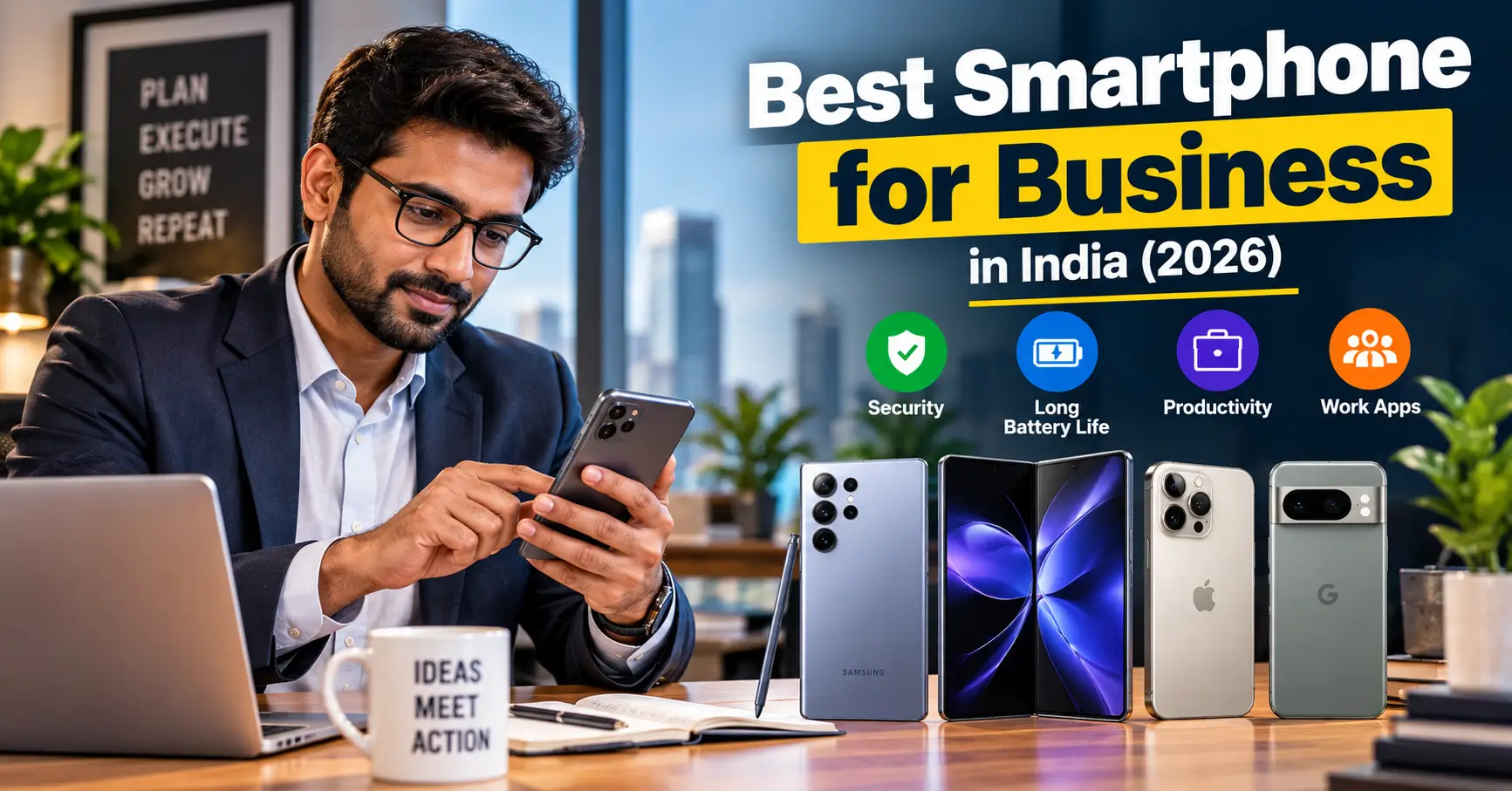
The best smartphone for business is not necessarily the most expensive phone or the one with the highest camera specifications. It is the device that helps you communicate reliably, manage work, access documents, attend meetings and protect business information without creating unnecessary interruptions.
For Indian professionals and business owners, the right choice depends on how the phone will be used. A freelancer may need dependable email, video calls and battery life. A sales professional may prioritise call quality, mobile data, navigation and durability. A company purchasing phones for employees may need centralised device management, security controls and predictable software support.
The Samsung Galaxy S26 series, Galaxy Z Fold7 and Apple’s iPhone range are examples worth considering across different work requirements. However, the most suitable choice depends on the user’s budget, operating-system preference and whether the phone will be managed by an organisation.
This guide explains what matters when buying a business smartphone in India, which types of devices to consider and how to avoid paying for features your work does not require.
Quick answer: Which smartphone is suitable for business?
There is no universal winner, but these are useful starting points:
- For a premium Android work phone: Consider the Samsung Galaxy S26 series, particularly if you value Samsung’s business security and productivity ecosystem.
- For a large screen and document multitasking: Consider a foldable such as the Samsung Galaxy Z Fold7.
- For an Apple-based work environment: Consider a current-generation iPhone that fits your budget and the company’s app and device-management requirements.
- For a company buying phones in bulk: Shortlist enterprise-supported models and check their device-management compatibility before placing an order.
The most important checks are security-update duration, battery performance, call quality, storage, warranty and service availability in your area.
What makes a smartphone good for business?
A business phone should support the tasks you perform every day. The following features deserve more attention than headline specifications.
1. Security and software updates
A smartphone used for work may contain customer details, business conversations, invoices, documents, passwords and access to company accounts. A device that no longer receives security updates can become a long-term business risk.
Check:
- How long the manufacturer promises security updates.
- Whether updates are delivered regularly.
- Whether the phone supports biometric authentication and secure storage.
- Whether the manufacturer provides business-device management tools.
- Whether your organisation requires a specific security or compliance configuration.
Samsung’s Knox ecosystem includes tools for managing, enrolling and securing Galaxy devices. Apple’s business security documentation describes features such as Secure Enclave, automatic updates and mobile device management. Google’s Android Enterprise programme maintains a directory of devices validated against enterprise requirements. These are useful starting points, but buyers should verify support for the exact model and Indian variant.
2. Battery life and charging
A professional who spends the day travelling, attending meetings or speaking with customers cannot always recharge a phone.
Look beyond the battery capacity printed on the box. Real-world endurance also depends on display size, network conditions, mobile-data use, screen brightness, video calls and background applications.
For business use, consider:
- A phone that can comfortably last through your typical working day.
- Fast charging that suits your schedule.
- Reliable battery performance during mobile-data use.
- Battery replacement and repair availability.
- Whether a charger is included in the retail box.
A larger battery is useful, but it does not automatically guarantee longer real-world battery life.
3. Performance for work applications
Most professionals do not need a gaming-focused processor. They do need a phone that can keep several everyday applications running smoothly.
Common work applications include:
- Gmail or Outlook
- Microsoft Teams, Zoom or Google Meet
- Microsoft 365 or Google Workspace
- WhatsApp Business
- Cloud storage applications
- Banking and payment applications
- CRM and invoicing tools
- Password managers and authentication apps
For typical office work, a capable mid-range or premium phone may be sufficient. If you regularly edit large documents, manage spreadsheets, use desktop-style multitasking or work with demanding business applications, more memory and processing power may be worthwhile.
4. Display quality and screen size
A clear display makes it easier to read emails, review spreadsheets, check invoices and participate in video meetings.
Consider:
- Text readability and display brightness.
- Screen size and resolution.
- Whether the phone is comfortable to use with one hand.
- Whether you frequently review documents on the phone.
- Whether an external monitor or desktop-style mode would help your workflow.
A large screen is useful for document-heavy work, but it can make the phone heavier and less convenient to carry.
5. Call quality, microphone and speakers
Business communication is not limited to messaging applications. Regular phone calls remain important for customer support, sales, suppliers and colleagues.
Before buying, check whether the phone offers:
- Clear voice-call performance.
- Good microphone quality for meetings.
- Useful noise reduction.
- Reliable speakerphone performance.
- Stable network reception in the places where you work.
If possible, test the phone with a real call rather than relying only on a specification sheet.
6. Storage and connectivity
Work phones can accumulate PDFs, presentations, photographs, recordings and downloaded documents.
For most professionals, 256GB can provide more flexibility than a basic storage configuration, especially if the phone is used for several years. Your actual requirement will depend on cloud storage use and the size of your files.
Also check:
- 5G and 4G band compatibility for Indian networks.
- Dual-SIM or eSIM support if you separate personal and work numbers.
- Wi-Fi reliability.
- NFC availability if your workflow requires it.
- USB connectivity and external-display support, where relevant.
Do not assume that every model or regional variant has identical network and SIM features.
Business smartphones to consider in India
The following options represent different work styles rather than a universal ranking. Confirm the exact Indian model, configuration, warranty, software-support commitment and current selling price before purchasing.
Samsung Galaxy S26 Ultra: for demanding Android users
The Galaxy S26 Ultra is a premium Android option for professionals who want a large display, high-end performance and Samsung’s productivity ecosystem.
Samsung’s India business product listing specifies a 6.9-inch-class display, S Pen support, 12GB memory in the listed configuration, a 5,000mAh battery and dual-SIM support. Samsung also lists Samsung DeX support across the S26 family, while its business platform provides Knox-related device-management options.
It may suit professionals who frequently review documents, take handwritten notes, work across multiple applications or want a high-end Android device.
Consider before buying: It is a large, premium-priced phone. If your work mainly involves calls, email and messaging, you may not need to spend this much.
Samsung Galaxy S26: for professionals who prefer a smaller phone
The standard Galaxy S26 is worth considering if you want a premium Samsung experience in a more compact form.
Samsung’s India business specifications list a 6.3-inch-class display, 4,300mAh typical battery capacity, Samsung DeX support and a security-update period listed through 28 February 2033 for the product page consulted.
It may suit consultants, managers and professionals who want a powerful everyday phone without carrying a very large device.
Consider before buying: Its smaller battery capacity compared with the Ultra model does not by itself establish shorter real-world battery life. Compare independent battery tests and your own usage needs.
Samsung Galaxy Z Fold7: for document-heavy multitasking
A foldable phone can offer a larger working area when opened. That can be useful for reviewing documents, reading lengthy emails, viewing spreadsheets or using two applications at once.
The Galaxy Z Fold7 is a premium option for people who genuinely benefit from a larger phone display.
Consider before buying: Foldables cost more than conventional phones and have a different design, repair and durability profile. Check the warranty, screen-protection terms and repair costs carefully. Do not buy one simply because it looks more advanced.
Apple’s iPhone range: for people using Apple services and business applications
An iPhone can be a practical business device for professionals who already use a Mac, iPad or other Apple services. Apple’s business platform supports mobile device management, automatic software updates and security features designed to protect device data.
For a business, the main question is not simply whether an iPhone is secure. It is whether the model fits the company’s applications, device-management policies, budget and support requirements.
Consider before buying: Compare the current Indian model’s storage, battery performance, repair costs and expected ownership period. Also check whether your workplace requires Android-specific applications or device-management capabilities.
Business smartphone comparison
| Phone or range | Suitable work pattern | Main consideration |
|---|---|---|
| Samsung Galaxy S26 Ultra | Document work, multitasking and premium Android use | Large size and premium cost |
| Samsung Galaxy S26 | Everyday professional use in a compact format | Check whether its size and battery suit your workload |
| Samsung Galaxy Z Fold7 | Reading documents and using multiple apps on a larger screen | Higher cost and foldable-screen considerations |
| Current-generation iPhone | Apple-based workflows and business applications | Check compatibility, budget and device-management needs |
This is a use-case comparison, not a laboratory performance ranking. The best choice should be based on the exact model and the applications you use.
Android vs iPhone: which is better for business?
Both platforms can support professional work. The decision should be based on your organisation’s requirements and the tools you already use.
Choose Android if:
- Your workplace uses Android-specific applications.
- You want a wider choice of screen sizes and price ranges.
- You need features such as Samsung DeX on a supported Galaxy model.
- Your organisation wants to use Android Enterprise-compatible devices.
- You want more flexibility in selecting devices for different employee roles.
Choose iPhone if:
- Your business already uses Apple devices and services.
- Your work applications are well supported on iOS.
- You want to manage devices through Apple’s business and MDM ecosystem.
- Your organisation has established iPhone setup and support procedures.
Neither operating system automatically makes a business more secure. Security also depends on updates, configuration, employee behaviour, application permissions and the way company information is handled.
What should a small business check before buying phones in bulk?
Buying one phone for personal work is different from purchasing 20 or 100 devices for employees.
Before placing a bulk order, create a simple device policy.
Check enterprise management
Ask whether the phone can be enrolled in your organisation’s mobile device management system. Android Enterprise and Apple’s device-management framework provide options for managing business devices.
Samsung’s Knox tools include features for device enrolment, remote management and software-update control. The precise tools and subscription terms depend on the selected edition and service.
Standardise models where practical
Using too many different models can make repairs, employee training, application testing and replacement more complicated.
A small business may find it easier to standardise on a limited number of models for different employee roles.
Calculate total cost of ownership
Do not compare only the purchase price.
Include:
- Phone cost.
- Protective case and screen protection.
- Repair and replacement expenses.
- Warranty and service arrangements.
- Software or device-management subscriptions.
- Expected replacement cycle.
- Employee downtime if a phone fails.
A slightly more expensive device may be more economical if it remains supported and usable for longer. That should be assessed using actual support terms and expected repair costs, not assumptions.
Separate work and personal data
Decide how employees will access business email, customer records and messaging applications. Establish rules for lost devices, employee departures, backups and account recovery.
A phone with business security features still needs sensible configuration and employee training.
How much should you spend on a business smartphone?
Your budget should follow your workload rather than a fixed idea that business phones must be expensive.
| Budget approach | Who it may suit | What to prioritise |
|---|---|---|
| Value-focused | Basic office work, calls and messaging | Reliable software support, battery and service |
| Mid-range | Freelancers, sales staff and small-business owners | Multitasking, storage, display and camera for work records |
| Premium | Executives and professionals with demanding workflows | Long support period, security, productivity tools and performance |
| Enterprise purchase | Organisations buying multiple phones | Management compatibility, standardisation, warranty and lifecycle cost |
Check current Indian retail prices and business quotations before setting a budget. Discounts, exchange offers and bank promotions can change the effective purchase cost.
Business smartphone buying checklist
Before paying, use this checklist:
- Confirm the exact model and Indian variant.
- Check the manufacturer’s security-update commitment.
- Confirm that your essential work applications are supported.
- Test call quality and microphone performance.
- Check battery performance from reliable reviews.
- Choose enough storage for your documents and applications.
- Confirm dual-SIM or eSIM requirements.
- Check warranty, repair and service-centre availability.
- Confirm MDM or enterprise-enrolment compatibility if required.
- Compare the total ownership cost, not only the sale price.
- Check whether the charger is included.
- Buy from an authorised or otherwise trustworthy seller.
Final verdict: Which business smartphone should you buy?
The right business phone depends on how you work.
If you want a premium Android phone with Samsung’s productivity and security ecosystem, the Galaxy S26 range is a logical starting point. The S26 Ultra is more suited to users who benefit from a large screen and S Pen, while the standard S26 is a more compact option. The Galaxy Z Fold7 is worth considering if its larger folding display will genuinely improve document work and multitasking.
If your business already relies on Apple devices and services, compare the current iPhone range against your application and device-management requirements.
For a company buying phones for employees, do not finalise an order based only on a consumer review. Check enterprise enrolment, security-update support, warranty terms and total ownership costs first.
A good business smartphone should make work more dependable. Choose the phone that supports your actual daily tasks, protects the information you handle and remains practical to maintain over several years.
FAQ
Which smartphone is best for business in India?
There is no single answer for every professional. The Samsung Galaxy S26 series is worth considering for premium Android productivity and Samsung’s business ecosystem. An iPhone may be more suitable for people whose work already depends on Apple devices and services.
Is Android or iPhone better for business use?
Both can support professional work. Android offers a wider selection of manufacturers, models and price ranges, while iPhone integrates with Apple’s business and device-management ecosystem. Your company’s applications, security policies and existing devices should guide the decision.
Is Samsung Knox useful for small businesses?
Samsung Knox includes security and device-management capabilities that can be useful to organisations. Some features are designed for managing multiple employee devices. Small businesses should check which tools are included with their chosen device or Enterprise Edition package and whether additional subscriptions are required.
How much RAM is enough for a business smartphone?
The right amount depends on the applications you use. Everyday email, messaging, calls and document viewing do not require the same resources as demanding multitasking or large business applications. Consider the phone’s overall performance and software support rather than choosing on RAM alone.
Is a foldable phone useful for business?
It can be useful if you frequently review documents, read long emails or work with two applications side by side. However, the higher purchase cost and foldable-screen repair considerations make it less suitable for people who only need standard office applications.
Should a business buy the same phone for every employee?
Not necessarily. A standardised device range can simplify support, training and repairs, but different roles may need different features. A field-sales employee, an executive and a warehouse worker may have different requirements.
How important are software updates in a business phone?
They are important because work phones can contain sensitive information and provide access to business accounts. Check the manufacturer’s security-update commitment for the exact model before buying, and install updates promptly according to your organisation’s policy.
What should a small business check before buying phones in bulk?
Check device-management compatibility, security support, warranty, repair arrangements, application requirements and total ownership cost. Also establish procedures for lost phones, employee departures and access to company data.