

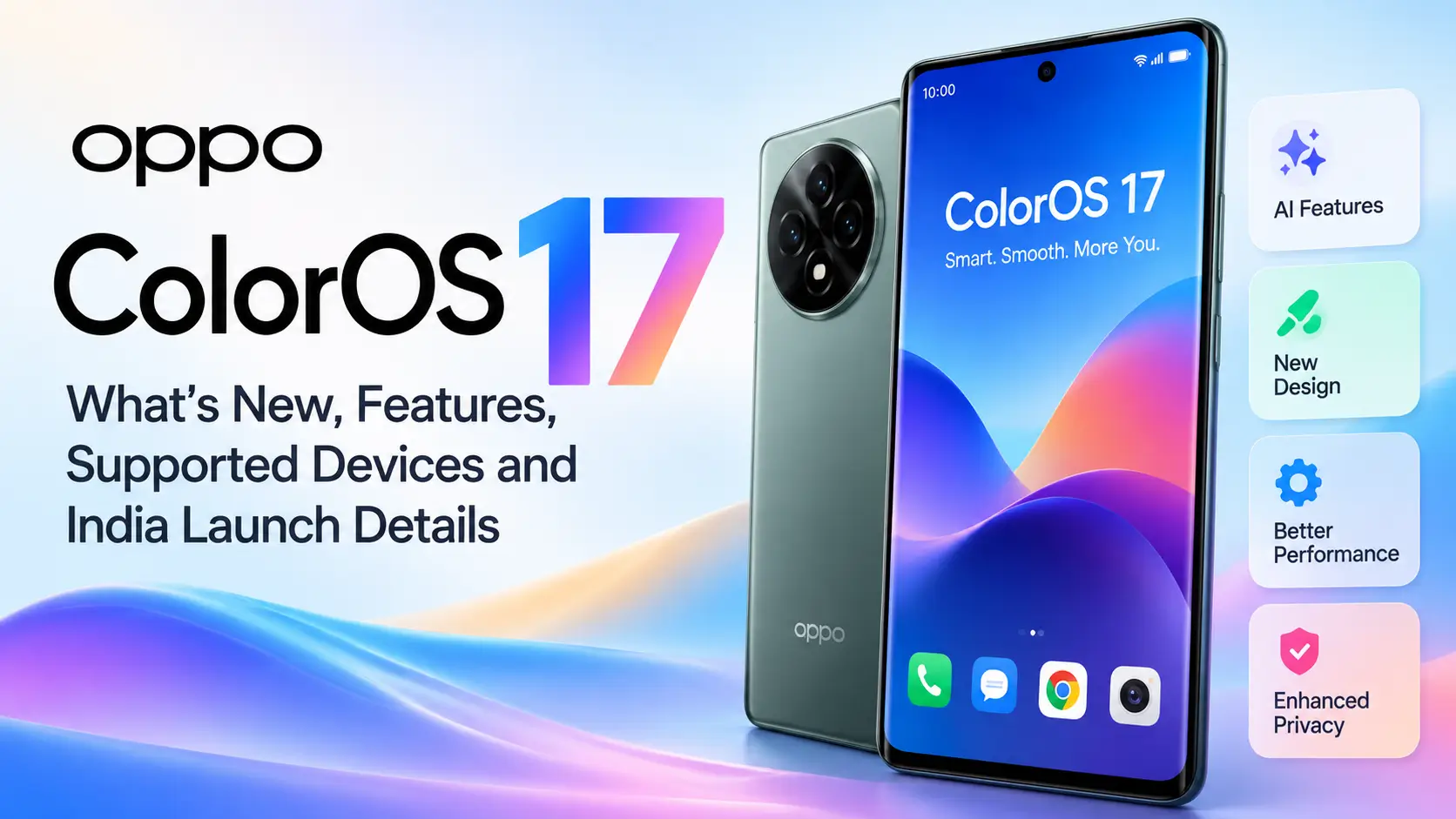
OPPO unveiled ColorOS 17 on October 13, 2026, introducing a redesigned interface, expanded AI tools and changes intended to improve smartphone performance. The software will debut on the upcoming OPPO Find X10 series before rolling out to eligible existing devices in phases. OPPO’s India website lists supported models across its Find, Reno, F and K series, as well as its tablet lineup, with rollout windows extending into the first quarter of 2027.
For existing OPPO users, the main questions are practical: What is new in ColorOS 17, which phones are scheduled to receive it, and when can users expect the update?
ColorOS 17: Key details at a glance
- Official unveiling: October 13, 2026
- Operating system generation: Android 17-based
- Main focus: Interface design, adaptive performance and system-level AI
- New features: Living Flow Design, AI Mind Pilot, AI Mind Space, AI Photo Agent, AI Mind Suggest and OSee
- Availability: The upcoming Find X10 series first, followed by phased updates for eligible devices
- India rollout: The official schedule spans October 2026 to Q1 2027
The dates above describe the announced rollout plan, not a guarantee that every phone will receive the software on a particular day.
What is new in ColorOS 17?
1. Living Flow Design changes the interface
ColorOS 17 introduces Living Flow Design, which OPPO describes as a more fluid and responsive approach to everyday interactions.
The interface uses softer lighting effects, translucent elements and animations designed to respond to touch. Buttons and toolbars can compress, stretch and rebound as users interact with them. OPPO also describes a more continuous transition between the lock screen and home screen.
These changes are primarily about the feel of the software rather than a completely different way of using a phone.
Why it matters: People interact with their phones through hundreds of small actions every day. More consistent animations may make those actions feel smoother, although the real-world experience will depend on the device’s hardware and software optimisation.
2. OPPO claims improvements in performance
ColorOS 17 introduces an updated Luminous Rendering Engine and a Laminar Flow Engine intended to manage graphics rendering and system resources more efficiently.
According to OPPO’s published claims, compared with ColorOS 16:
- App launch stability improves by up to 55%.
- Gallery thumbnails load up to 50% faster on first launch.
- More than 25% more apps can remain running in the background during multitasking.
- Rendering loads fall by up to 30% in key scenarios.
- RAM used for rendering decreases by up to 25%.
OPPO also says its simulated six-year usage tests retained more than 90% of initial smoothness, even with storage at 90% capacity.
These are manufacturer-reported results, not independently verified performance figures. They describe specific testing conditions and should not be interpreted as a promise that every phone will become 55% faster or remain equally smooth for six years.
3. AI Mind Pilot can help organise files and complete tasks
AI Mind Pilot gains an Agent Mode designed to work across photos and files stored on a device, search multiple information sources and coordinate steps to fulfil a request.
OPPO gives examples such as finding and organising files, renaming them according to content and date, and using stored information to create outputs such as travel itineraries or webpages.
The potential advantage is convenience: instead of opening several apps and manually sorting information, users may be able to describe the task they want completed.
However, availability and actual results will depend on supported devices, software capabilities and any usage limits or account requirements.
4. AI Photo Agent brings natural-language photo editing
AI Photo Agent lets users describe the changes they want to make to an image. It can suggest adjustments and use a reference image to reproduce a similar visual style.
Possible uses include adjusting tone and lighting, refining composition and matching the mood of a reference photograph.
For everyday users, this could simplify editing without requiring detailed knowledge of photography tools. It does not mean every edit will be perfect, and results can vary according to the image and requested change.
5. AI Mind Space organises saved information
AI Mind Space is designed to turn saved information into searchable collections. ColorOS 17 expands it to include documents and video links, with AI-generated organisation and summaries.
For example, someone planning a holiday could save destination information, useful links and notes, then use the collected material to organise a trip.
The feature may be useful to students, travellers and people who frequently save information for later. Its practical value will depend on how reliably it identifies and connects relevant content.
6. AI Mind Suggest and OSee add proactive assistance
AI Mind Suggest is designed to surface relevant information at useful moments, including travel reminders and journey-related cards where supported.
OSee combines visual AI functions so users can point the camera at something and access relevant services, such as object recognition, information lookup, scanning or translation.
These tools could reduce the need to switch between separate apps. However, not every function will necessarily be available in every region or language.
7. Privacy and call protection receive attention
ColorOS 17 introduces a Transparency Report intended to show which AI services were used, when they accessed information and what operations were performed. OPPO also describes security measures for data processed through its Private Computing Cloud.
AI Call Guard is designed to identify possible fraud risks involving synthetic voices and AI face swaps. OPPO lists India among the markets where this feature is available.
These features add useful layers of visibility and protection, but they should not be treated as guarantees that every scam will be detected or that every fraudulent call will be blocked. Users should continue to verify suspicious requests independently.
ColorOS 17 rollout schedule in India
OPPO’s official India website lists the following devices in its rollout windows. The schedule is phased, and inclusion in a month does not establish the exact day the update will reach an individual handset.
| Rollout window | Examples of listed OPPO devices |
|---|---|
| October 2026 | Find N6, Find N5, Find X9 series, Find X8 series and Reno16 series |
| November 2026 | Find N3, Find N3 Flip, Reno15 series, Reno14 series, selected K series and F series |
| December 2026 | Reno13 series, selected K13 models and OPPO Pad 3 and Pad 5 series tablets |
| Q1 2027 | Selected Reno12 models, F series devices, Find N2 Flip and Pad SE series tablets |
The official list contains individual models and regional variants. Check the complete list on OPPO’s ColorOS 17 India website before assuming that a particular phone is included.
Some technology publications have reported October 29 as the start of the stable rollout for selected devices. OPPO’s public rollout page groups models by month, so users should consult the latest official schedule and their device’s update screen for confirmation of actual availability.
How to check whether your OPPO phone has the update
Once the rollout reaches your device, follow these steps:
- Open Settings on your OPPO phone.
- Find About device or the software update section.
- Open the software update screen.
- Check whether ColorOS 17 is offered for your device.
- If an update is available, read the release notes and follow the on-screen instructions.
Menu names may vary by model and software version. Keep your phone sufficiently charged and back up important information before installing a major update.
Do not install unofficial firmware simply because a website or social media post claims that your model is eligible.
Should you be excited about ColorOS 17?
ColorOS 17’s most meaningful changes are its attempt to combine a smoother interface with AI that can organise information, assist with editing and provide context-sensitive help.
For users who regularly manage photos, files and saved information, the AI tools may prove more useful than the visual redesign alone. Users who mainly call, message and browse may notice the interface changes more than the advanced AI functions.
There are also important limitations. OPPO’s performance figures are company claims, features can vary by device and region, and a published rollout window does not guarantee immediate availability.
The practical takeaway: Check your exact phone model against OPPO’s official list, wait for the supported update to appear on your device, and evaluate the AI features that are actually available to you. ColorOS 17 introduces substantial ambitions for the software experience, but independent testing and real-world use will determine how much difference users notice.
Frequently asked questions
1. What is ColorOS 17?
ColorOS 17 is OPPO’s latest announced smartphone operating system, introducing a redesigned interface, updated performance architecture and expanded AI features.
2. When was ColorOS 17 announced?
OPPO unveiled ColorOS 17 globally on 13 October 2026. The company says it will debut on the upcoming Find X10 series before rolling out to eligible existing devices.
3. Which OPPO phones will receive ColorOS 17?
OPPO’s India schedule lists models from the Find, Reno, F and K families, as well as selected tablets. Eligibility depends on the exact model and regional software version. Check the official rollout list.
4. When will ColorOS 17 arrive in India?
The announced schedule covers October, November and December 2026, followed by selected devices in Q1 2027. The exact delivery date can vary by model and rollout batch.
5. What are the main ColorOS 17 features?
The main announced features include Living Flow Design, AI Mind Pilot Agent Mode, AI Photo Agent, AI Mind Space, AI Mind Suggest, OSee and AI Call Guard.
6. Does ColorOS 17 improve performance?
OPPO claims improvements in app launch stability, Gallery loading, background app retention and rendering efficiency. These figures come from company testing and should not be treated as independent benchmarks or guarantees for every device.
7. Will every OPPO phone receive all ColorOS 17 AI features?
Not necessarily. OPPO states that availability can vary by device, region, software version and supported services. Some functions may also have usage limits.
8. How can I download ColorOS 17?
Open Settings and navigate to the software update section, usually under About device. If the official update is available for your phone, follow the on-screen instructions. Back up important data before installing major system updates.



[…] erase personal data and restore default settings. Software recovery tools may help repair a damaged operating system, while account recovery is a separate […]