Introduction: A Tablet That Knows Its Place
The tablet market has quietly shifted. Instead of chasing flagship-level power or experimental features, many buyers now want something simpler: a reliable screen, solid performance, long battery life, and software that stays out of the way. That is the context in which the oneplus pad go 2 arrives.
Rather than trying to impress with specs alone, OnePlus appears to have refined what already worked. This tablet is designed for everyday tasks—reading, streaming, casual work, online classes, and light multitasking—without unnecessary complexity. After spending time with it, the defining impression is clear: this is a device built around practicality, not excess.
This review breaks down where the OnePlus Pad Go 2 succeeds, where it falls short, and who it is actually meant for.
Design and Build: Familiar, Comfortable, Functional
Clean and Purposeful Design
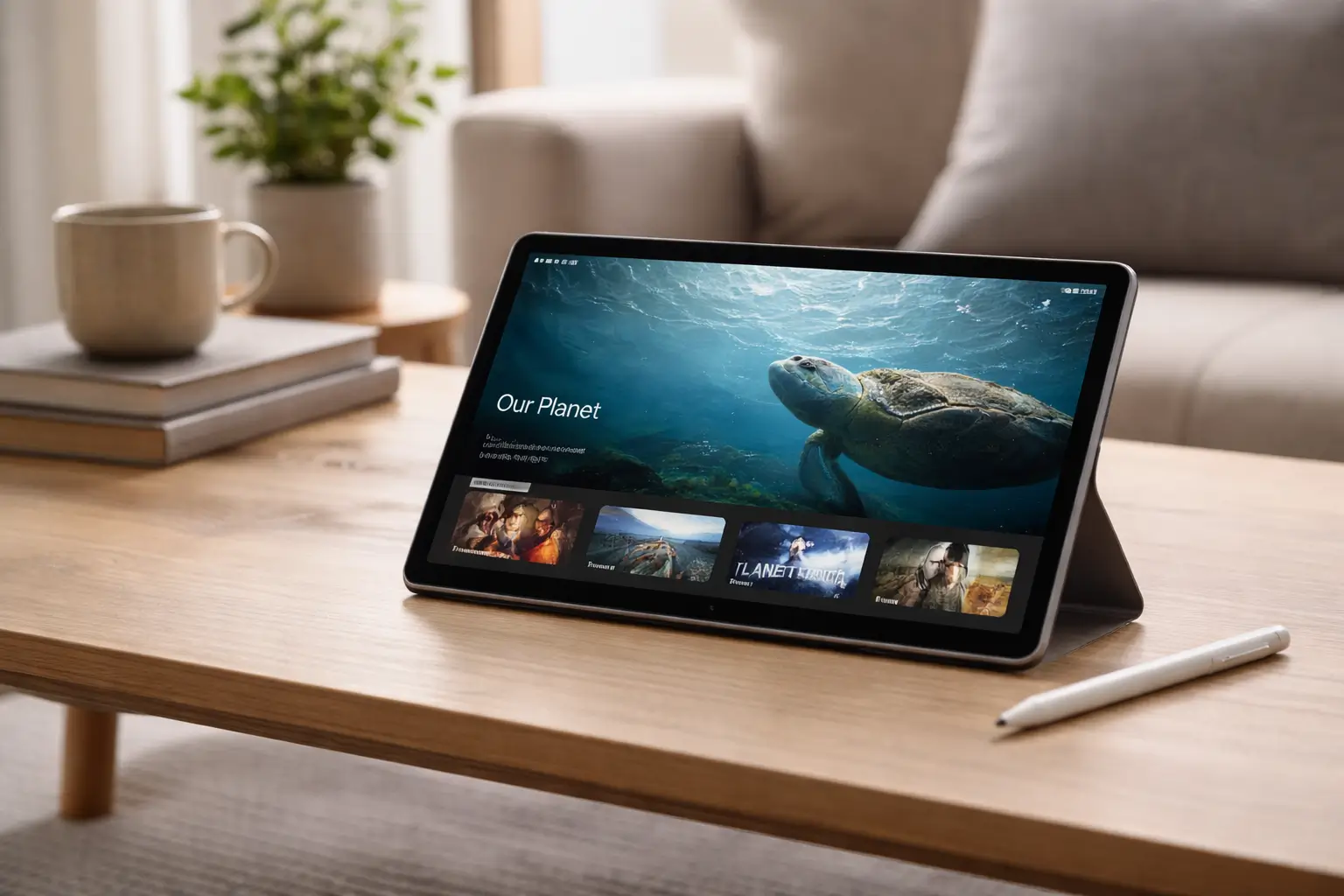
The OnePlus Pad Go 2 does not try to reinvent tablet aesthetics. Its design is restrained and clean, with smooth edges and a balanced weight distribution that makes it comfortable to hold for long periods.
Key design highlights include:
- Slim profile that feels easy to carry
- Matte finish that resists fingerprints
- Solid construction without feeling heavy
This is a tablet you can use on a couch, desk, or bed without constantly adjusting your grip.
Ergonomics Over Flash
OnePlus clearly prioritized usability. Buttons are placed intuitively, and the overall feel is reassuring rather than delicate. While it does not aim for a premium metal-heavy finish, it also does not feel cheap. For its intended audience, the design choices make sense.
Display Experience: Built for Long Sessions
Screen Quality That Matches Daily Use
The display is one of the strongest aspects of the oneplus pad go 2. It is tuned for comfort rather than extreme brightness or color saturation.
What stands out:
- Adequate resolution for reading and streaming
- Good viewing angles
- Consistent color reproduction
For watching videos, browsing articles, or attending online classes, the screen performs reliably without eye strain.
Ideal for Media and Reading
Extended reading sessions feel comfortable, and streaming platforms look sharp enough without pushing the hardware too hard. This balance helps battery life while still delivering a pleasant visual experience.
Performance: Smooth Where It Matters
Optimized for Everyday Tasks
The OnePlus Pad Go 2 is not designed for heavy gaming or advanced creative workflows. Instead, it focuses on everyday responsiveness.
In daily use, it handles:
- Web browsing with multiple tabs
- Video streaming in high quality
- Document editing and note-taking
- Light multitasking with split screen
Apps open quickly, and animations feel smooth without noticeable lag in normal usage.
Stability Over Raw Power
Rather than chasing benchmark scores, OnePlus has tuned performance for consistency. This approach makes sense for a tablet meant to be used casually throughout the day.
Software Experience: Clean and Predictable
Familiar OnePlus Software Philosophy
OnePlus software has traditionally emphasized simplicity, and that carries over here. The interface is uncluttered, with minimal pre-installed apps and a layout that feels intuitive even for first-time tablet users.
Key software strengths:
- Clean home screen and settings layout
- Logical multitasking controls
- Stable performance over long sessions
Tablet-Friendly Features
The software takes advantage of the larger screen through:
- Split-screen multitasking
- App resizing options
- Improved landscape orientation support
While it may not offer deep productivity tools, it provides enough flexibility for casual work and learning.
Battery Life: One of Its Biggest Advantages
Built for All-Day Use
Battery performance is where the oneplus pad go 2 truly stands out. In real-world usage, it comfortably lasts a full day and often extends into a second day with moderate use.
Typical battery performance includes:
- Long video streaming sessions
- Extended reading and browsing
- Online classes without constant charging
Reliable Charging Behavior
Charging speeds are practical rather than extreme. The focus is on steady, safe charging that fits daily routines rather than rapid top-ups that strain the battery long-term.
Audio and Multimedia: Better Than Expected
Stereo Speakers for Immersive Use
The speakers deliver clear and balanced sound for a tablet in this category. Dialogue is easy to understand, and volume levels are sufficient for personal use.
Best use cases include:
- Watching shows and movies
- Online meetings
- Casual music playback
While audiophiles may want external speakers or headphones, most users will find the built-in audio satisfactory.
Connectivity and Accessories
Everyday Connectivity Essentials
The OnePlus Pad Go 2 covers the basics:
- Stable Wi-Fi performance
- Reliable Bluetooth connections
- Smooth pairing with accessories
These fundamentals ensure the tablet works consistently in home, office, and classroom environments.
Accessory Support
Support for basic accessories like keyboards and cases adds to the tablet’s versatility. It may not replace a laptop, but it can comfortably support light productivity tasks.
Real-World Usage Scenarios
For Students
- Comfortable display for reading and lectures
- Long battery life for classes
- Lightweight for carrying in a backpack
For Professionals
- Email and document review
- Video calls and presentations
- Secondary device for travel
For Casual Users
- Streaming and browsing
- Social media and messaging
- Family-friendly shared use
In all cases, the oneplus pad go 2 performs best when expectations align with its purpose.
Pros and Cons at a Glance
Advantages
- Comfortable display for long use
- Consistent everyday performance
- Clean and simple software
- Strong battery life
- Practical design choices
Limitations
- Not designed for heavy gaming
- Limited advanced productivity features
- Camera performance is basic
These trade-offs reflect the tablet’s focus on balance rather than ambition.
How It Compares in Its Segment
Within its category, the OnePlus Pad Go 2 competes by offering:
- Better software polish than many budget tablets
- More reliable performance consistency
- Strong brand ecosystem support
It does not aim to dominate on specs alone but instead delivers a more refined daily experience.
Frequently Asked Questions (FAQ)
Is the OnePlus Pad Go 2 good for students?
Yes. Its display comfort, battery life, and stable performance make it suitable for studying and online classes.
Can the OnePlus Pad Go 2 handle multitasking?
It supports split-screen multitasking for light tasks but is not intended for heavy professional workloads.
Is the OnePlus Pad Go 2 good for gaming?
It can handle casual games smoothly, but demanding titles may require lower settings.
How is the battery life on the OnePlus Pad Go 2?
Battery life is one of its strengths, often lasting a full day or more with moderate use.
Does the OnePlus Pad Go 2 support accessories?
Yes. It works with basic accessories like cases and keyboards, enhancing usability.
Is the display suitable for reading?
Yes. The screen is comfortable for long reading sessions and video consumption.
Who should avoid the OnePlus Pad Go 2?
Users seeking high-end performance, advanced cameras, or professional creative tools may want to look elsewhere.
Is the OnePlus Pad Go 2 future-proof?
For everyday use, it should remain reliable for several years, especially with software updates.
Conclusion: A Tablet That Respects Its Audience
The oneplus pad go 2 succeeds by not trying to be everything. It focuses on the essentials—display comfort, battery life, stable performance, and clean software—and delivers them consistently.
For users who want a dependable tablet for daily tasks without unnecessary complexity, this approach feels refreshing. It is not flashy, and it is not overpowered. Instead, it is practical, thoughtful, and well-balanced.
In a market crowded with compromises, that restraint is exactly what makes the OnePlus Pad Go 2 stand out.
Disclaimer
This review is based on real-world usage and publicly available specifications. Performance and features may vary depending on software updates and individual usage patterns.