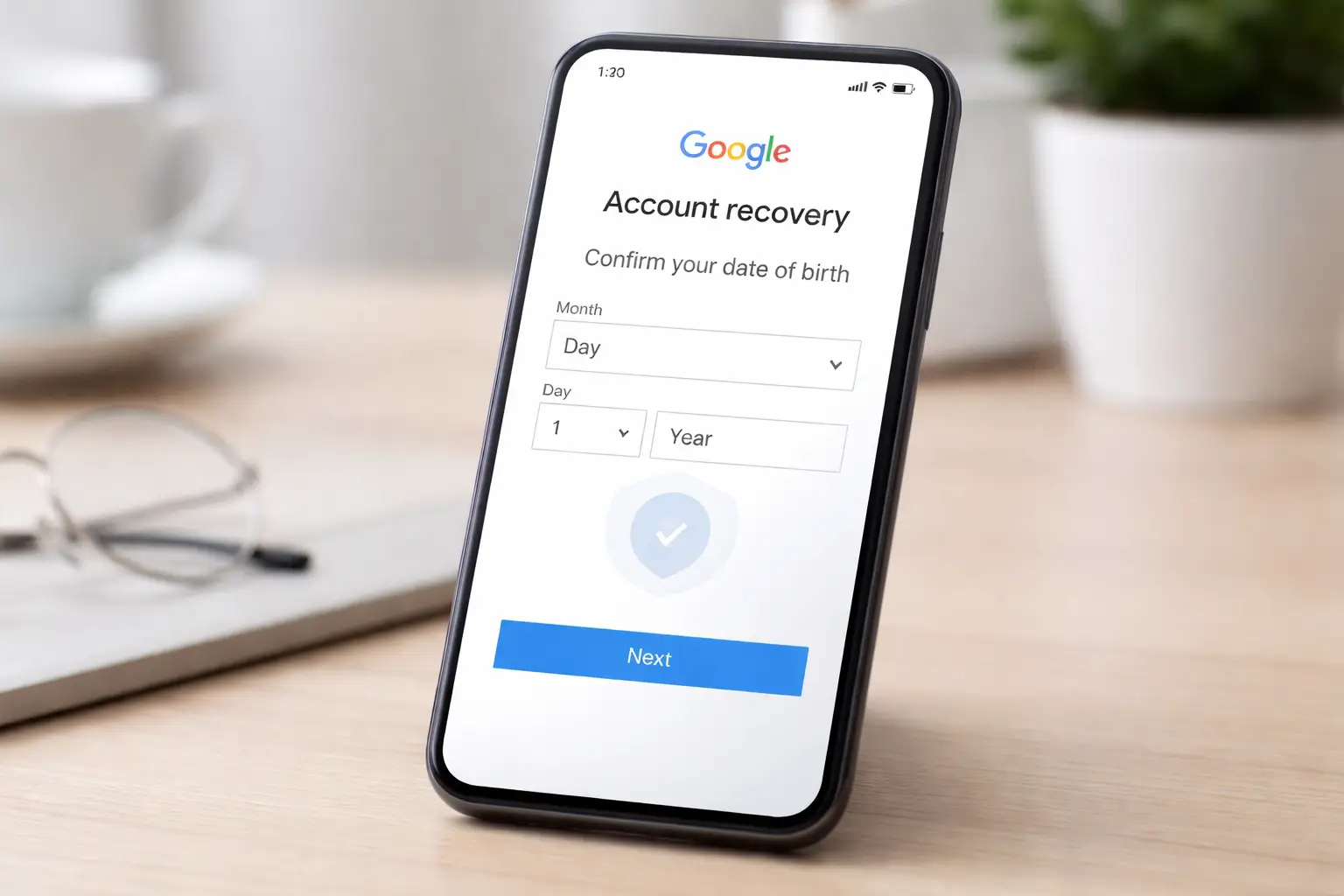
Losing access to a Google account often becomes more complicated when recovery fails due to a date of birth (DOB) mismatch.
This article directly addresses how DOB is used in account recovery, why problems occur, and what practical steps actually improve recovery success—without unnecessary background or speculation.
Why Date of Birth Matters in Google Account Recovery
Google uses date of birth as a historical identity signal, not as a standalone password. During recovery, Google compares the DOB you enter with:
- The DOB saved in your account profile (if provided)
- Signals inferred from past account activity
- Other recovery answers submitted in the same session
The system is designed to detect consistency, not perfection. However, a wrong or guessed DOB can sharply reduce recovery confidence.
Common DOB-Related Recovery Failures
Entering a Different DOB Than the One on File
If the DOB you submit does not match what was originally provided, Google flags the attempt as high risk. Even small differences—such as a wrong year—can trigger rejection.
Guessing or Randomly Trying Multiple DOBs
Repeated attempts with different birth dates reduce trust in the recovery attempt. Google tracks patterns, not just single entries.
Accounts Created Without a DOB
Older accounts or accounts created via limited flows may not have a DOB explicitly set. In such cases, Google expects neutral or blank consistency, not forced guessing.
DOB Conflicts With Age Policies
If the DOB entered suggests the account holder was under the minimum age at creation, recovery may fail automatically.
How Google Evaluates DOB During Recovery
Google does not validate DOB in isolation. It is weighed alongside:
- Last successful login location
- Devices previously used
- Recovery email or phone number
- Account creation timeframe
- Recent account activity
A correct DOB helps, but an incorrect one can override otherwise valid signals.
What to Do If You Don’t Remember the Exact DOB
Use the Most Likely Original DOB
Enter the DOB that you would have used at account creation, not your current or corrected DOB. Many users initially used approximate or altered dates.
Avoid Multiple Attempts in One Day
Too many recovery submissions within 24 hours reduces success probability. Submit once, then wait.
Stay Consistent Across All Answers
Ensure DOB, account creation estimate, and recovery email details align logically. Inconsistencies are a common reason for rejection.
Fixing Recovery When the DOB Is Wrong or Uncertain
Step 1: Pause and Reset the Attempt
If you already failed recovery due to DOB, wait at least 24–48 hours before retrying. This resets risk scoring.
Step 2: Use a Recognized Device and Location
Attempt recovery from:
- A device you previously used with the account
- A familiar IP or geographic location
This reduces dependency on DOB accuracy.
Step 3: Provide a Stable Recovery Email
Use an email address that has been consistently active and previously linked or used alongside the account.
Step 4: Estimate Account Creation Date Carefully
This field often matters as much as DOB. Even a correct month and year significantly helps.
Can You Recover a Google Account Without DOB?
Yes, but only if other signals are strong.
Recovery is still possible when:
- The device and location are recognized
- Recovery email or phone access is available
- Account activity history aligns with your responses
Recovery often fails when DOB is wrong and other signals are weak.
When DOB Issues Lead to Permanent Recovery Failure
Recovery may be permanently denied if:
- DOB repeatedly conflicts with age policy requirements
- Multiple inconsistent recovery attempts were made
- The account shows signs of automated or abusive behavior
- No reliable recovery signals remain
In such cases, Google does not provide manual override options.
Best Practices to Prevent Future DOB Recovery Problems
Verify DOB in Account Settings
Once access is restored, confirm the DOB in your account profile matches what you can reliably recall.
Add Recovery Options
Ensure at least one verified recovery email and phone number are active.
Avoid Frequent Profile Changes
Repeated changes to DOB or personal details can trigger future verification issues.