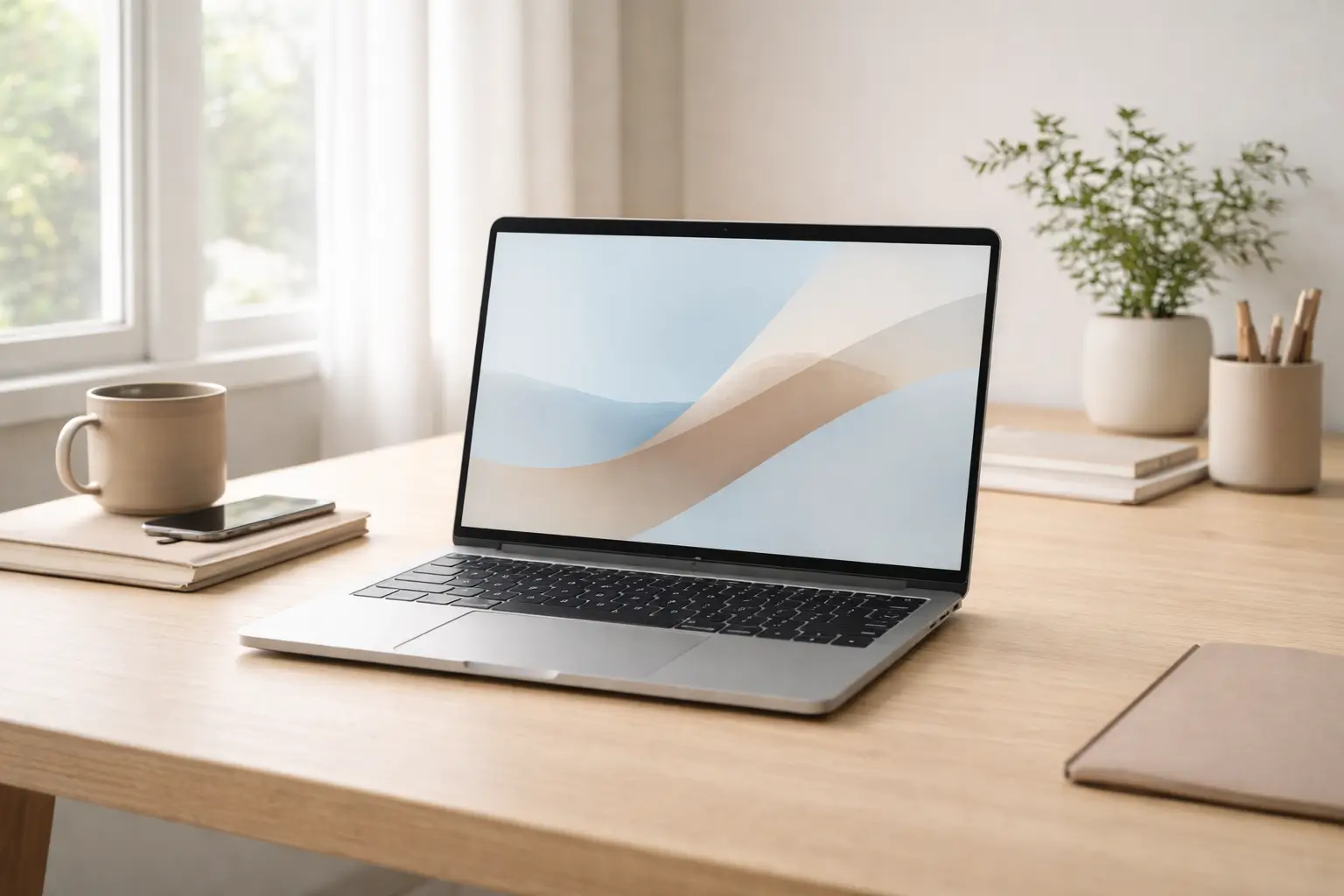
Laptop prices have risen steadily, while choices have become more confusing than ever. New processors launch every year, model names blur together, and marketing often pushes features most people will never fully use. As a result, many buyers end up spending far more than necessary—or worse, paying premium prices for the wrong machine.
Understanding how to choose the right laptop today is less about chasing the latest model and more about matching performance, longevity, and real-world usage. The goal is not to buy cheap. The goal is to buy appropriate.
This guide breaks down how professionals, students, and everyday users can choose a laptop confidently—without paying for unnecessary power, features, or brand hype.
Why People Overpay for Laptops So Often
Overpaying rarely happens because of poor judgment. It happens because laptop buying decisions are made under pressure—deadlines, sales pitches, or confusing spec sheets.
Common reasons include:
- Assuming higher price always means better long-term value
- Buying “future-proof” specs without real need
- Overestimating workload requirements
- Falling for branding instead of build quality
- Confusing gaming or creator laptops with productivity needs
Modern laptops are highly specialized. Paying more does not always mean getting a better experience.
Start With Use Case, Not Budget
The most reliable way to avoid overspending is to define how you actually use a laptop before looking at prices.
Typical User Categories
Most buyers fall into one of these groups:
- Students and general users (browsing, documents, video calls)
- Office professionals (multitasking, presentations, spreadsheets)
- Creators (photo/video editing, design, music)
- Developers and technical users
- Gamers
Trying to buy one laptop that “does everything” is the fastest way to overspend.
How to Choose the Right Laptop Based on Daily Tasks
For Everyday and Student Use
If your usage includes:
- Web browsing
- Online classes
- Word processing
- Streaming and video calls
You do not need high-end hardware.
What matters:
- Reliable performance
- Comfortable keyboard
- Decent battery life
Paying extra for advanced graphics or top-tier processors adds little value here.
For Office and Professional Work
Office users often underestimate their needs—or overestimate them.
Key requirements:
- Smooth multitasking
- Stable performance during long workdays
- Clear display for extended screen time
You are paying for consistency, not raw power.
For Creative Workloads
This is where overspending often happens.
Creative professionals should match specs precisely:
- Photo editing requires good display quality and RAM
- Video editing needs CPU power and sometimes a GPU
- Design tools benefit from colour accuracy more than speed
Buying beyond your software requirements rarely improves results.
Understanding Laptop Specifications Without Marketing Noise
Processor (CPU): The Most Misunderstood Component
Modern mid-range processors are far more capable than many users realize.
Key insight:
- Newer mid-tier CPUs often outperform older high-end ones
- For most users, mid-range CPUs are more than sufficient
Unless your work involves heavy rendering or compiling, premium CPUs are often unnecessary.
RAM: Enough Is Better Than Excess
RAM impacts multitasking, but there is a practical ceiling.
General guidance:
- 8GB is sufficient for most users
- 16GB is ideal for professionals and creators
- More than 16GB is rarely necessary outside specialized work
Buying excessive RAM “just in case” often leads to overspending.
Storage: Speed Matters More Than Size
Solid-state drives have made laptops feel faster than ever.
What to prioritize:
- SSD over HDD, always
- 512GB is a comfortable middle ground
- External storage is cheaper than internal upgrades
Large internal storage inflates laptop prices quickly.
Graphics: Integrated vs Dedicated
Dedicated graphics significantly increase cost and power consumption.
Ask yourself:
- Do I actually run GPU-intensive software?
- Is gaming or 3D work part of my daily routine?
If not, integrated graphics are more than adequate.
Display Quality: Where Smart Buyers Focus
Display quality affects comfort more than raw performance.
Important factors:
- Resolution appropriate to screen size
- Matte finish for reduced glare
- Accurate colours for creative work
- Adequate brightness for indoor use
A good display often delivers more daily value than a faster processor.
Build Quality and Keyboard: Often Overlooked, Always Used
People interact physically with their laptop every day, yet rarely test this properly before buying.
What to look for:
- Sturdy hinge and minimal flex
- Comfortable keyboard travel
- Responsive trackpad
- Balanced weight for portability
Paying for a well-built laptop often saves money long term by avoiding early replacement.
Battery Life: The Hidden Cost Factor
Poor battery life can shorten a laptop’s usable lifespan.
Consider:
- Real-world battery ratings, not advertised numbers
- Power efficiency of the processor
- Display brightness impact
A laptop that lasts a full workday adds value far beyond its price tag.
Brand Premiums vs Real Value
Some brands command higher prices, but that does not always translate to better experience.
Smart buyers evaluate:
- After-sales service quality
- Warranty coverage
- Software optimization
- Long-term driver support
Brand reputation matters, but it should not replace specification analysis.
How to Choose a Laptop During Sales Without Regret
Sales events often create urgency, leading to poor decisions.
Before buying:
- Compare the same model across retailers
- Check launch price history
- Confirm exact specifications, not just model name
- Ignore “limited time” pressure
Discounts are only valuable if the product fits your needs.
Longevity: Buying for 3–5 Years, Not One
Overpaying often stems from fear of obsolescence.
Realistic planning includes:
- Choosing balanced specs
- Prioritizing efficiency over peak power
- Avoiding extreme entry-level models
A thoughtfully chosen mid-range laptop often lasts longer than a poorly chosen premium one.
Common Mistakes That Inflate Laptop Budgets
Avoid these patterns:
- Buying gaming laptops for office work
- Paying extra for touchscreens you rarely use
- Choosing ultra-thin designs at the cost of performance
- Ignoring thermal performance and cooling
Every feature should justify its cost.
Step-by-Step: A Practical Laptop Buying Framework
- Define primary usage clearly
- Set a realistic performance baseline
- Choose display and keyboard quality early
- Select mid-range specs that meet—not exceed—needs
- Compare multiple brands with similar configurations
- Buy during stable pricing, not panic sales
This approach consistently leads to better value purchases.
Why “Right Laptop” Is Personal, Not Universal
There is no universally best laptop—only the best laptop for you.
Understanding how to choose the right laptop means resisting generic advice and focusing on:
- Your daily workflow
- Your tolerance for weight and size
- Your upgrade cycle
- Your budget comfort zone
Overspending often disappears once clarity replaces comparison.