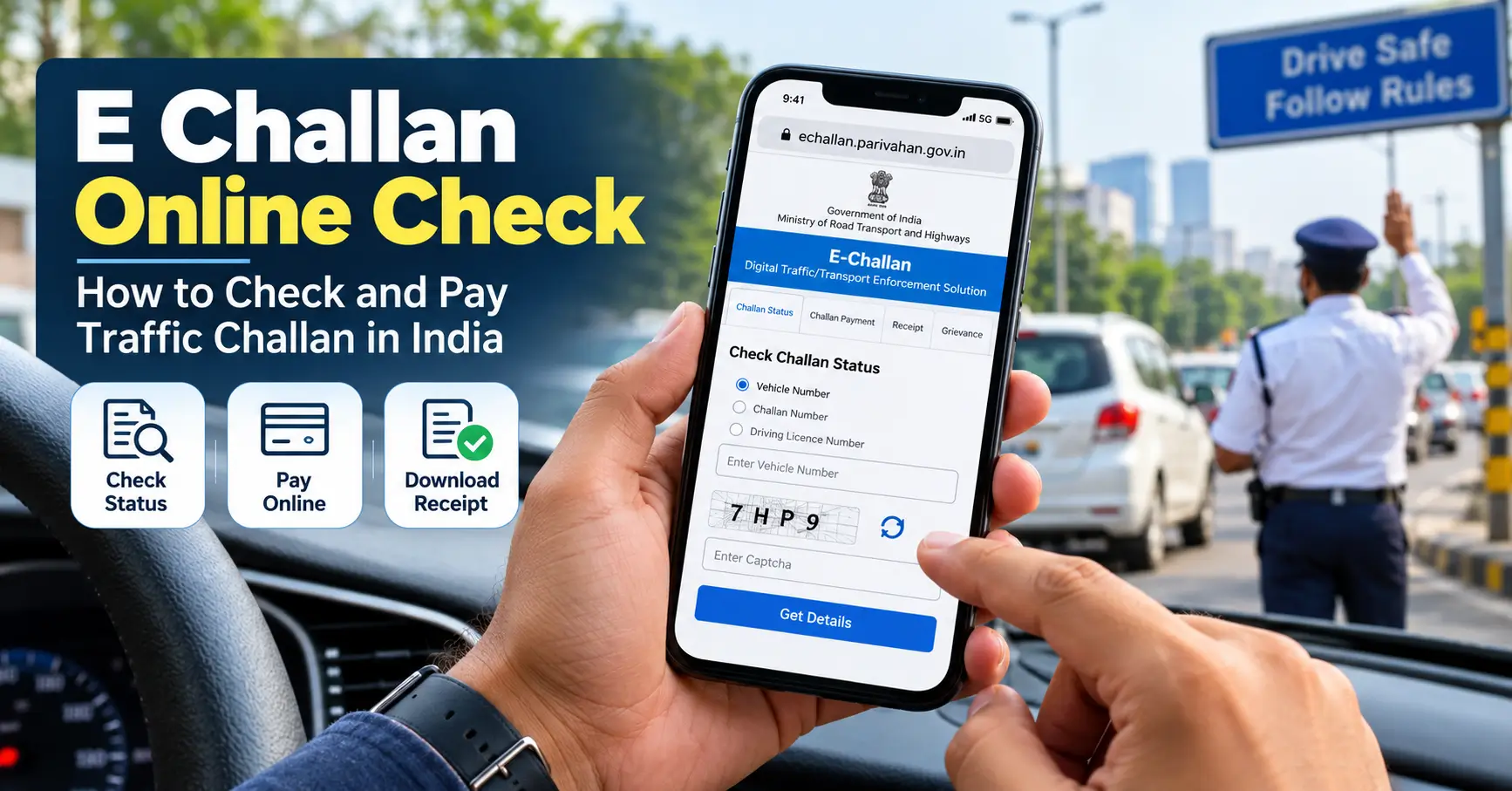
If you want to check your traffic challan online in India, you can use the official government e-Challan portal to look for pending traffic fines, review available challan details, and make a payment when required.
Official portal: Government e-Challan service
You may need your vehicle registration number, challan number, or driving license number, depending on the service and search option available. If you receive a message claiming that a traffic fine is pending, verify it independently on the official portal instead of immediately clicking the message link.
The Indian Computer Emergency Response Team (CERT-In) warned in March 2026 about malicious Android applications disguised as RTO and e-Challan notifications. Therefore, checking the authenticity of a message is just as important as checking the challan itself.
How to Check E Challan Online in India
Follow these steps to check your vehicle’s traffic challan status online.
- Open the official website. Visit the government e-Challan portal. You can also access the service through the NextGen e-Challan portal.
- Choose the challan-status option. Look for the option to check pending challans or challan status.
- Enter the required information. Depending on the available form, use your vehicle registration number, challan number, or driving license number.
- Complete the verification step. Enter the displayed captcha or other requested verification details, if applicable.
- Submit the search. Review the results returned by the portal.
- Check the details carefully. Where available, verify the challan number, date, vehicle registration, issuing authority, offence details, and amount payable.
- Decide what to do next. If a valid outstanding challan appears, follow the official payment procedure. If you believe the challan is incorrect, check the available grievance or dispute process before paying.
The exact layout and fields may change as the government updates its website.
How to Check E Challan by Vehicle Number
If you do not know your challan number, checking by vehicle registration number may be a convenient starting point.
- Visit the official e-Challan portal directly.
- Select the vehicle-number search option, if available.
- Enter your registration number accurately.
- Complete any required verification.
- Review the available challan records associated with the search.
If you have several vehicles, make sure you enter the registration number of the correct vehicle.
Important: A search that returns no challan does not necessarily prove that you have no outstanding traffic fine. The record may not be available in that particular service, may not yet be reflected in the system, or may need to be checked through the relevant state traffic police portal.
If you cannot find a record, verify the registration details and try the appropriate official state service.
How to Pay E Challan Online
If the official portal displays an outstanding challan and provides a payment option, follow the instructions shown there.
- Open the challan details and confirm that the vehicle and offense information are correct.
- Check the amount and payment status.
- Select the available online payment option.
- Complete the payment through the authorized payment gateway.
- Save the transaction reference and payment confirmation.
- Check the challan status again after payment.
The available payment methods may vary. Do not assume that every challan supports the same payment options.
What if the payment is deducted but the challan still shows as pending?
Avoid paying again immediately.
First, check whether the payment is still processing. Use the official portal’s pending-transaction or payment-status facility, where available, and check your bank or payment application’s transaction history.
If the transaction remains unresolved, contact the official e-Challan helpdesk or the relevant traffic authority. Keep your transaction reference, challan number, payment date, and amount ready.
The official e-Challan service lists the following technical support details:
- Email: helpdesk-echallan@gov.in
- Phone: 0120-4925505
Check the current contact details on the official website before contacting support.
How to Download an E Challan Payment Receipt
Keep a receipt after paying a traffic challan. It can help you demonstrate that a transaction was completed if the status does not update immediately.
- Visit the official e-Challan portal.
- Find the payment-receipt or receipt-download service.
- Enter the challan number, vehicle number, or driving license number as requested.
- Complete the verification step, if applicable.
- Retrieve the available payment record and download the receipt.
The official receipt service states that only challans with successful payments will appear for receipt retrieval through that facility.
If your payment succeeded but no receipt is available, check the transaction status first. You may need to wait for processing or contact the helpdesk.
How to Check Whether an E Challan Message Is Genuine
Receiving an SMS about a traffic fine does not automatically establish that the message is genuine.
CERT-In’s advisory dated 17 March 2026 describes a malware campaign in which attackers impersonated RTO and government e-Challan notifications. Fraudulent messages could direct recipients to download malicious Android application files.
Use these precautions:
- Open the official government portal yourself instead of relying on a payment link in an unexpected message.
- Never install an APK file sent through SMS, WhatsApp, Telegram, or an unfamiliar website to check a challan.
- Check the website’s full domain name before entering information.
- Do not share an OTP, UPI PIN, banking password, or card security code with someone claiming to be a traffic official.
- Be cautious of messages threatening immediate consequences unless you make an urgent payment through an unfamiliar link.
- Do not assume a message is genuine simply because it contains your vehicle registration number or government-style branding.
The safest approach is to verify the challan independently on the official portal.
What should you do if you have already installed a suspicious e-Challan app?
CERT-In recommends disconnecting the device from mobile data and Wi-Fi, removing suspicious applications, running a trusted security scan, and checking financial accounts for unauthorized activity.
If you entered banking information or suspect financial fraud, contact your bank immediately. In India, you can report suspected cybercrime at cybercrime.gov.in or call the national cybercrime helpline at 1930.
What to Do If an E Challan Is Incorrect
If the portal shows a challan you believe is wrong, do not ignore it.
Start by checking the vehicle registration, challan date, alleged offense, and issuing authority. Compare the details with any available evidence, such as photographs, notices, or vehicle records.
If the record appears incorrect, use the official grievance facility where available or contact the traffic police authority responsible for issuing the challan. Keep copies of relevant documents and any complaint reference number.
The correct procedure may depend on the issuing authority and the nature of the dispute. Do not assume that submitting a complaint automatically cancels the fine or suspends any applicable deadline.
Why Is My E Challan Not Showing Online?
There are several possible explanations if a challan does not appear in your search.
| Possible reason | What to do |
|---|---|
| Incorrect vehicle or challan number | Recheck the details and search again. |
| Record not yet reflected | Check again later or contact the issuing authority. |
| Different state or traffic police service | Visit the relevant official state traffic police website. |
| Website or payment-service issue | Retry later and check official transaction-status options. |
| Challan already paid. | Check the payment status and retrieve the receipt if available. |
A missing result is not conclusive evidence that no fine exists. If you have received a formal notice, verify it with the issuing authority rather than relying on a single unsuccessful online search.
Frequently Asked Questions
1. How can I check e challan online for free?
Visit the official government e-Challan portal and use the available challan-status search. Check the official service for any applicable charges or payment requirements before proceeding.
2. Can I check a traffic challan using my vehicle number?
Yes, the official service provides vehicle-related challan searches. Enter your registration number in the appropriate search field and follow the on-screen instructions.
3. Can I check an e challan without a challan number?
You may be able to search using your vehicle registration number or driving licence number, depending on the facility available.
4. How do I know whether my e-challan has been paid?
Check the challan or transaction status on the official portal. If payment was completed, retrieve the receipt when the service makes it available.
5. What should I do if money is deducted but the challan remains pending?
Check the payment transaction status and your bank or payment application’s history. Do not repeat the payment until you have checked whether the original transaction is still processing. Contact the official helpdesk if the problem continues.
6. Is it safe to open an e-Challan link received by SMS?
Do not automatically trust an SMS link. Open the government portal independently and verify the challan. Never install an application file from an unsolicited message.
7. What if I cannot find my challan online?
Check the registration details, try the relevant official state traffic police service and contact the issuing authority if necessary. A missing record does not always mean that no challan exists.
Final Takeaway
Checking a traffic challan online can help you identify outstanding fines, verify payment status and keep the relevant receipt. Start with the official government e-Challan service, verify the details before paying and avoid unfamiliar payment links or application downloads.
If the information is incorrect, the payment remains unresolved or the challan cannot be found, contact the relevant official authority instead of assuming the matter has been settled.