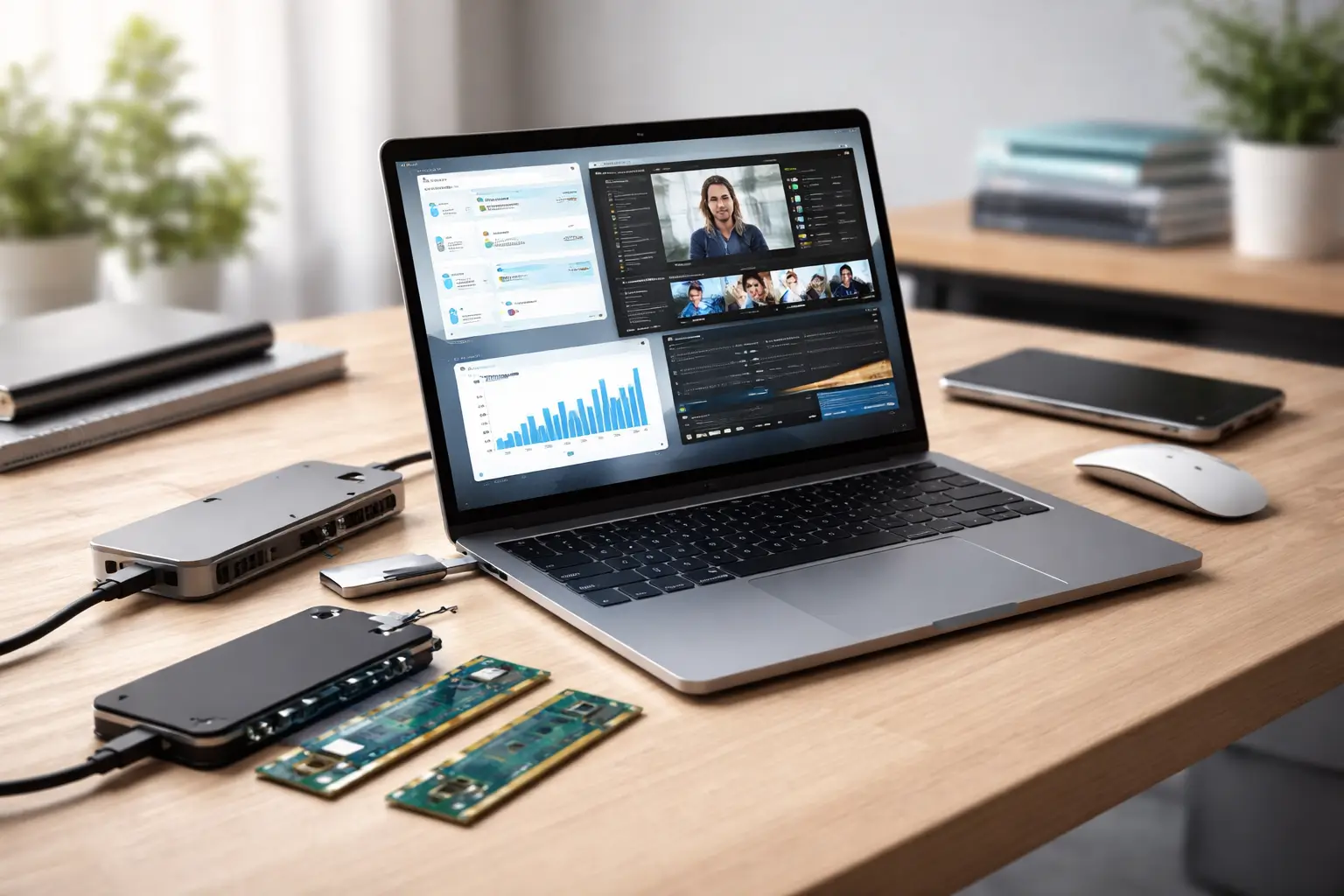
For many people, a laptop is no longer just a device—it is a daily work companion, classroom tool, entertainment center, and communication hub. Over the past year, one clear trend has emerged: instead of replacing their laptop entirely, users are upgrading the machines they already own.
This shift is not about cutting corners. It is about practicality. Laptop prices have increased, work and study habits have evolved, and hardware upgrades now offer noticeable real-world improvements. From faster performance to better multitasking and cleaner work setups, these upgrades are solving real problems people face every day.
This article explains the top 5 laptop upgrades people are choosing this year, why they matter now, who benefits most from each upgrade, and what to consider before making changes. Whether you are a general user, a student, or a working professional, these insights will help you make smarter decisions—without hype or unnecessary spending.
Why Laptop Upgrades Matter More Now
Upgrading a laptop has become more relevant for several reasons:
- Remote and hybrid work demand better multitasking
- Software and browsers consume more system resources
- Cloud tools require stable performance, not just raw power
- Sustainability and cost awareness discourage frequent replacements
Modern laptop upgrades are no longer technical experiments. Many are straightforward, affordable, and impactful when chosen correctly.
Top 5 Laptop Upgrades People Are Choosing This Year
1. SSD Storage Upgrade for Faster Performance
Why it matters now
Replacing a traditional hard drive with a solid-state drive (SSD) is the single most noticeable laptop upgrade people make today. Even laptops that are several years old feel dramatically faster after this change.
What improves immediately
- Boot time drops from minutes to seconds
- Apps open faster
- File transfers become smoother
- Overall system responsiveness improves
For users frustrated by slow startup or lag during basic tasks, this upgrade delivers instant relief.
Who benefits most
- Students using online learning platforms
- Office professionals working with documents and browsers
- Anyone using an older laptop with a hard disk drive
Things to consider
- Check whether your laptop supports SATA or NVMe SSDs
- Ensure sufficient storage capacity for future needs
- Backup data before upgrading
Potential drawback
- Some ultra-thin laptops have soldered storage and cannot be upgraded
2. RAM Upgrade for Better Multitasking
Why it matters now
Modern software, browsers, and operating systems consume more memory than ever. Many laptops still ship with 8GB RAM, which can feel limiting when multitasking.
Upgrading RAM allows users to work smoothly without freezing or slowdowns.
What improves immediately
- Faster switching between apps
- Smoother browser performance with multiple tabs
- Better experience with video calls and background apps
Who benefits most
- Professionals using productivity software
- Students attending video classes while taking notes
- Casual creators using light editing tools
Things to consider
- Check maximum supported RAM for your laptop
- Match RAM type and speed correctly
- Confirm whether RAM is upgradeable or soldered
Potential drawback
- Not all laptops allow RAM upgrades
3. External Monitor for Productivity and Comfort
Why it matters now
As work hours on laptops increase, screen space and ergonomics have become major concerns. External monitors are one of the most popular non-internal laptop upgrades this year.
What improves immediately
- Easier multitasking with multiple windows
- Reduced eye strain
- Better posture and viewing comfort
- Enhanced productivity for work and study
Many users report faster task completion after adding a second screen.
Who benefits most
- Remote workers
- Programmers and designers
- Students attending long online sessions
Things to consider
- Monitor size and resolution compatibility
- Desk space and mounting options
- Laptop port availability (HDMI, USB-C)
Potential drawback
- Requires desk setup and power source
4. Battery Replacement to Extend Laptop Life
Why it matters now
Battery degradation is one of the main reasons people consider replacing their laptop. Instead, many are opting for battery replacement, extending usability by years.
What improves immediately
- Longer unplugged usage
- Reduced overheating
- Restored mobility for travel and work
This upgrade is particularly popular among users who otherwise have a fully functional laptop.
Who benefits most
- Travelers and students
- Professionals working away from desks
- Owners of laptops older than three years
Things to consider
- Use manufacturer-approved or high-quality batteries
- Professional installation may be required
- Battery calibration after replacement
Potential drawback
- Availability varies by laptop model
5. USB-C Hub and Docking Accessories
Why it matters now
Modern laptops are thinner, but that often means fewer ports. USB-C hubs and docking stations have become essential laptop upgrades for connectivity.
What improves immediately
- Access to multiple devices simultaneously
- Cleaner desk setup
- Faster data transfers
- Expanded display support
This upgrade addresses daily convenience rather than raw performance.
Who benefits most
- Professionals using external devices
- Creators with storage and display needs
- Users transitioning between home and office setups
Things to consider
- Hub compatibility with your laptop
- Power delivery support
- Heat management and build quality
Potential drawback
- Low-quality hubs may cause connectivity issues
How to Choose the Right Laptop Upgrade
Before upgrading your laptop, ask these questions:
- What problem am I trying to solve?
- Is my laptop upgradeable?
- Will the upgrade improve daily use noticeably?
- Is professional installation required?
A targeted upgrade is always better than multiple unnecessary changes.
Common Mistakes to Avoid
- Upgrading without checking compatibility
- Ignoring backup before hardware changes
- Over-investing in upgrades for outdated processors
- Choosing low-quality components to save money
Careful planning ensures your laptop upgrade delivers real value.
Frequently Asked Questions (FAQ)
1. Is upgrading a laptop better than buying a new one?
In many cases, yes. If the processor and display are still adequate, upgrades can extend laptop life significantly.
2. What is the most impactful laptop upgrade?
An SSD upgrade provides the most noticeable improvement for most users.
3. Can all laptops be upgraded?
No. Some modern laptops have soldered components that cannot be replaced.
4. How long does a laptop upgrade take?
Simple upgrades can take under an hour, while others may require professional service.
5. Does upgrading a laptop void warranty?
It depends on the manufacturer. Always check warranty terms first.
6. Is RAM upgrade necessary for basic users?
Not always, but it improves multitasking and long-term usability.
7. Are external monitors worth it for students?
Yes. They improve focus, organization, and screen comfort during long sessions.
8. Should battery replacement be done professionally?
For internal batteries, professional replacement is recommended.
Conclusion
The way people use laptops has changed, and so have their priorities. Instead of replacing devices frequently, users are choosing smarter, targeted upgrades that solve real problems—speed, multitasking, comfort, and mobility.
The top 5 laptop upgrades people are choosing this year reflect practical needs, not trends driven by marketing. When selected thoughtfully, these upgrades extend a laptop’s usefulness, improve daily experience, and deliver strong value without unnecessary expense.
A well-maintained and upgraded laptop can remain reliable, capable, and relevant for years.
Disclaimer
This article is for informational purposes only. Compatibility, upgrade options, and results may vary depending on laptop model and manufacturer. Always verify specifications before upgrading.