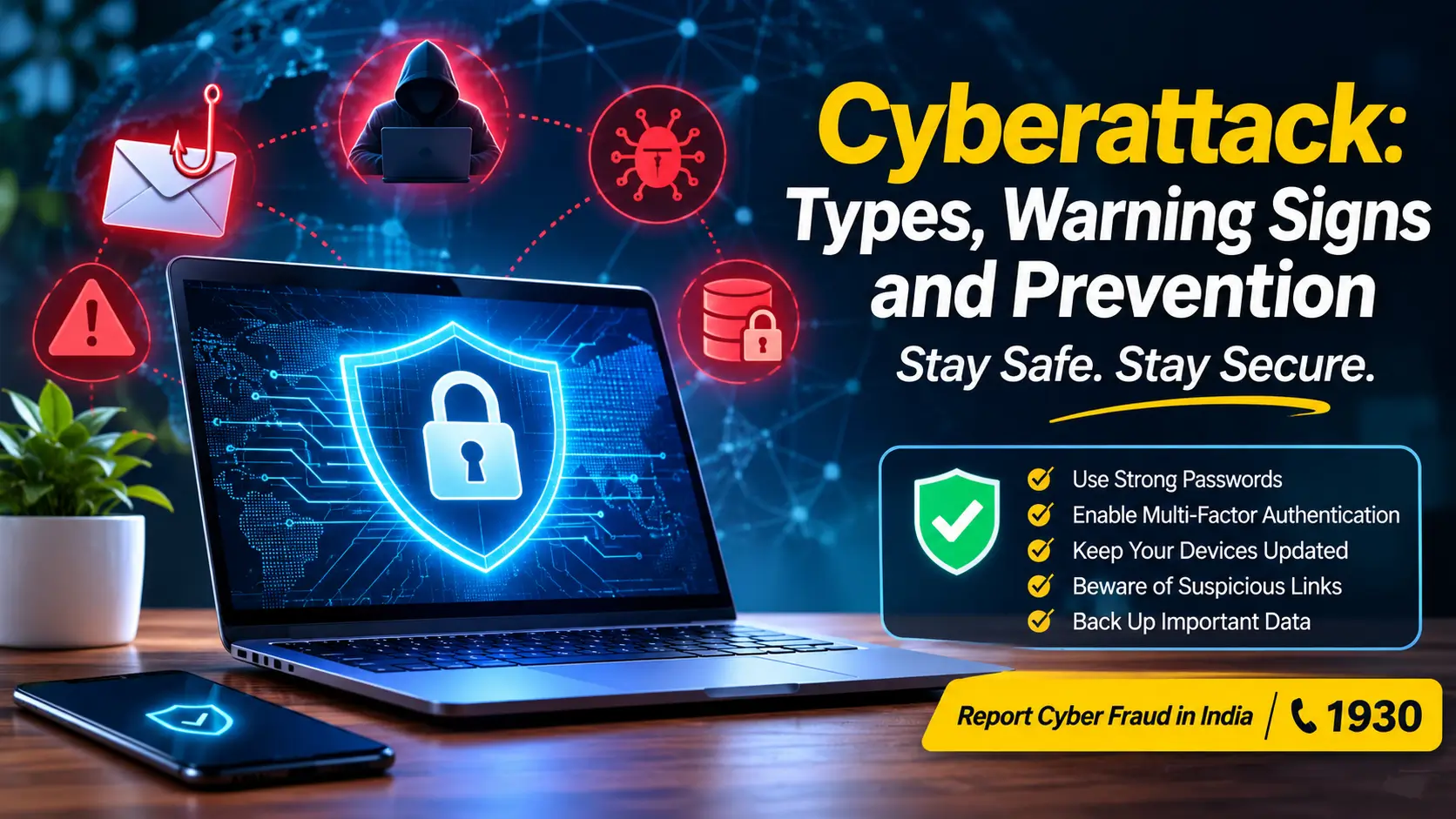
A cyberattack is an attempt to gain unauthorised access to a computer, smartphone, network, online account or digital system. Attackers may try to steal personal information, disrupt services, damage files, take control of devices or demand money.
Cyberattacks are not limited to large companies or government organisations. Individuals, small businesses, schools, websites and online services can also become targets.
In India, where people increasingly use digital payments, online banking, smartphones and internet-based services, understanding cyberattacks is an important part of everyday digital safety.
What Is a Cyberattack?
A cyberattack is a deliberate action carried out through digital systems to compromise their security, availability or information.
Depending on the attack, a criminal may attempt to:
- Steal passwords or login credentials
- Access private information without permission
- Install malicious software
- Disrupt a website or online service
- Encrypt files and demand payment
- Take control of an online account
- Transfer money through unauthorised access or deception
The purpose of a cyberattack depends on the attacker. Some attacks are financially motivated, while others may involve espionage, disruption, data theft or other objectives.
A cyberattack does not always mean that a device has been physically damaged. A compromised email account, leaked customer database or unavailable website can also represent a serious security incident.
What Are the Common Types of Cyberattacks?
Cyberattacks use different techniques. Some exploit technical weaknesses, while others manipulate people into revealing information or taking unsafe actions.
1. Phishing Attacks
Phishing is a technique in which attackers impersonate a trusted organisation or person to trick someone into sharing sensitive information or clicking a harmful link.
A phishing message may appear to come from a bank, delivery company, government department or familiar online service.
It may ask the recipient to:
- Verify an account
- Update payment information
- Claim a refund
- Download an attachment
- Complete an urgent payment
How to reduce the risk: Verify the sender and website independently. Avoid entering passwords, banking details or OTPs through links received in unexpected messages.
2. Malware Attacks
Malware is malicious software designed to perform unwanted or harmful activities on a device or system.
Common forms include viruses, spyware, Trojans and other malicious programs.
Malware may steal information, monitor activity, damage files or provide an attacker with unauthorised access.
How to reduce the risk: Install software from trusted sources, keep security tools updated and avoid unknown attachments or unofficial applications.
3. Ransomware Attacks
Ransomware is a type of malware that can encrypt files or otherwise prevent access to systems. Attackers may demand payment in exchange for restoring access or threaten to publish stolen information.
Ransomware can affect individuals, businesses and public institutions.
How to reduce the risk: Maintain secure backups, update software, restrict access permissions and use strong authentication.
Paying a ransom does not guarantee that files will be recovered or that stolen data will be deleted.
4. Password and Account Attacks
Attackers may attempt to access accounts using stolen passwords, reused credentials, automated guessing or other methods.
If one password is used across several services, a breach at one service can create risks for other accounts.
How to reduce the risk: Use a unique password for every important account and enable multi-factor authentication wherever available.
5. Denial-of-Service Attacks
A denial-of-service attack attempts to make a website, server or online service unavailable by overwhelming or disrupting it.
A distributed denial-of-service attack, commonly called DDoS, uses multiple sources to generate the attack traffic.
These attacks can interrupt access to websites, applications and online services.
6. Data Breaches
A data breach occurs when information is accessed, exposed or disclosed without proper authorisation.
The exposed information may include names, email addresses, contact details, account credentials or other sensitive records.
A data breach can create further risks, including identity misuse, phishing and account takeover.
7. Social Engineering
Social engineering involves manipulating people into revealing information, granting access or performing an action that benefits an attacker.
It may involve fake customer-support calls, impersonation, urgent requests or messages pretending to come from a colleague or relative.
The attacker may exploit fear, trust, curiosity or pressure rather than a technical vulnerability.
How Do Cyberattacks Happen?
A cyberattack may begin with a simple mistake or an overlooked security weakness.
Common entry points include:
- Clicking a malicious link
- Downloading an unsafe application
- Using a weak or reused password
- Failing to install security updates
- Sharing confidential information with an impersonator
- Leaving an account or system poorly protected
- Exploiting a vulnerability in software or network infrastructure
Some attacks are highly technical. Others depend mainly on convincing communication and human behaviour.
This is why cybersecurity requires both technical protection and careful digital habits.
Warning Signs of a Possible Cyberattack
A compromised account or device may show unusual behaviour. Warning signs can include:
- Login alerts from unfamiliar locations or devices
- Passwords changing without your action
- Unexpected messages sent from your account
- Unknown applications or browser extensions
- Unusual financial transactions
- Files becoming inaccessible or renamed unexpectedly
- Security settings changing without permission
- A website displaying unfamiliar content
- Sudden, unexplained service disruption
One unusual symptom does not automatically prove a cyberattack. However, multiple unexplained changes should be investigated promptly.
How to Protect Yourself from Cyberattacks
No single security measure can eliminate every threat. A combination of sensible habits and technical safeguards can significantly reduce exposure.
Use Strong, Unique Passwords
Create a different password for each important account. A reputable password manager can help you generate and store strong credentials.
Avoid using easily guessed details such as birthdays, names or common words.
Enable Multi-Factor Authentication
Multi-factor authentication adds another verification step beyond a password.
Where supported, enable it for email, banking, social media, cloud storage and other important accounts.
Keep Devices and Applications Updated
Software updates often include security fixes. Install updates for your operating system, browser, applications and router when available.
Do not ignore security updates simply because a device appears to be working normally.
Verify Links and Messages
Be cautious with unexpected messages that create urgency or promise rewards.
Check the destination address before opening a link. For important transactions, access the service through its official application or by typing the known website address yourself.
Download Applications Carefully
Use official application stores or trusted developer websites. Review permissions and avoid installing unknown APK files or modified applications.
Back Up Important Data
Keep backups of important documents, photographs and business files.
For stronger protection, maintain a backup that is not continuously connected to the device or network being protected.
Secure Your Wi-Fi and Devices
Use a strong Wi-Fi password and modern security settings supported by your router.
Lock smartphones and computers, review connected devices and remove applications you no longer need.
What Should You Do If You Suspect a Cyberattack?
Act quickly, but avoid making changes that could destroy useful evidence.
- Secure the affected account or device. If an account is compromised, use a trusted device to change its password and review recovery details.
- Disconnect an infected device when appropriate. If malware or ransomware is suspected, disconnect it from the network to reduce possible spread. Avoid deleting files or reinstalling the system before considering evidence preservation.
- Contact the relevant service provider. For compromised banking or payment accounts, contact the bank or payment provider immediately through official channels.
- Preserve evidence. Save suspicious messages, transaction details, screenshots, dates and relevant alerts.
- Report financial cyber fraud promptly. In India, call 1930 and report the incident through the National Cyber Crime Reporting Portal.
- Seek qualified technical assistance. Businesses and organisations should activate their incident-response procedures and involve appropriate cybersecurity professionals.
For organisations covered by CERT-In’s directions, specified cybersecurity incidents must be reported within the prescribed six-hour period. This requirement is distinct from the reporting guidance for individual consumers.
Cyberattack Reporting in India
India’s cybersecurity response includes the Indian Computer Emergency Response Team (CERT-In), which is designated as the national agency for responding to cybersecurity incidents.
The National Cyber Crime Reporting Portal enables citizens to report cybercrime complaints. The helpline 1930 is intended to assist with reporting financial cyber fraud.
For a financial fraud incident, reporting quickly may help authorities and participating institutions take timely action. It does not guarantee that money will be recovered.
Official resources:
Conclusion
A cyberattack can affect more than computers and large organisations. It can threaten personal accounts, financial information, private data and the digital services people rely on every day.
The most practical defence is a combination of unique passwords, multi-factor authentication, updated software, secure backups and careful verification of messages and links.
Cybersecurity is not a one-time setup. It is an ongoing habit of protecting devices, accounts and information while responding quickly when something appears suspicious.