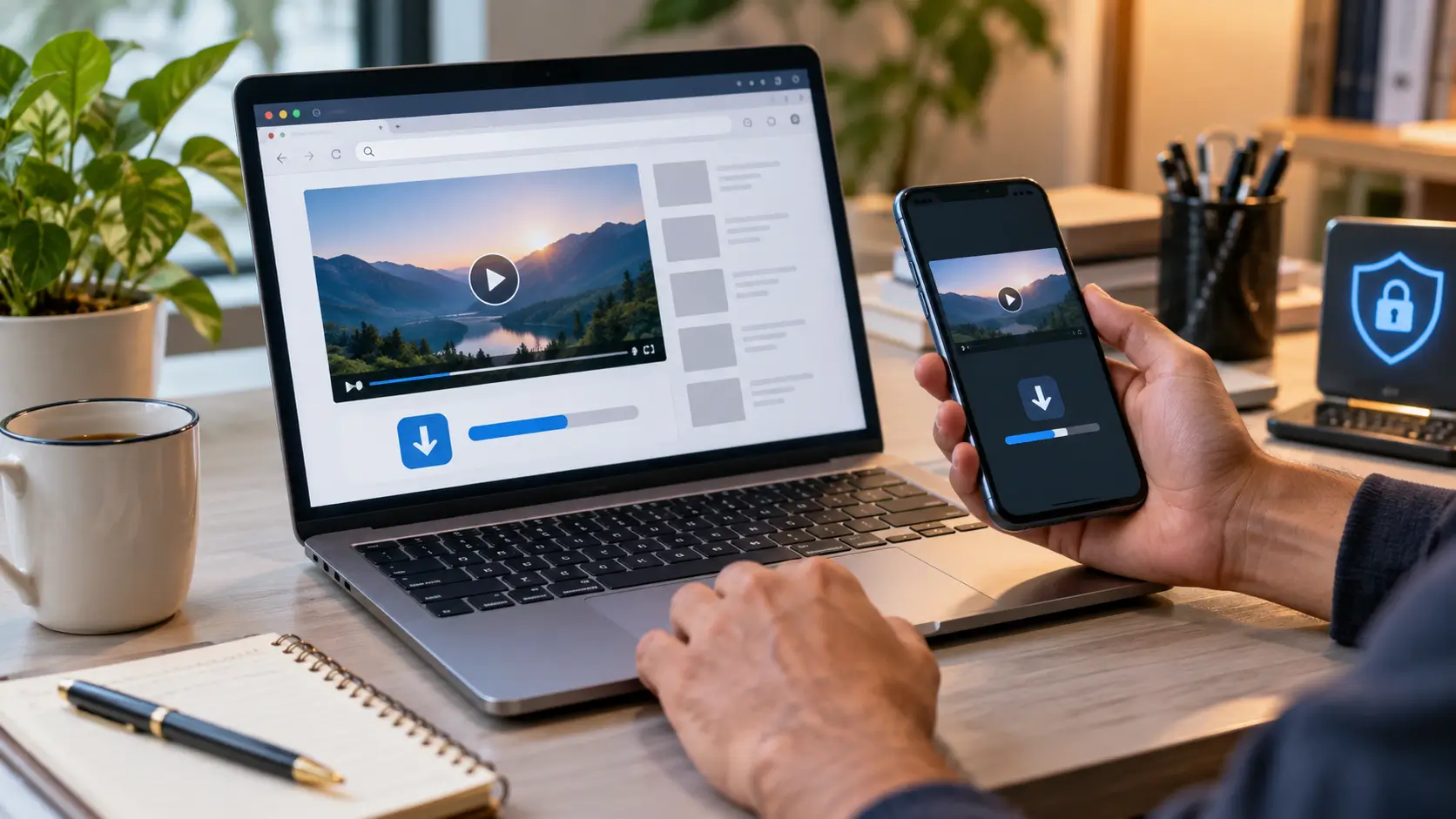
If you are searching for a free video link downloader, you probably want a simple way to paste a video URL and save the video to your phone or computer. The basic idea is straightforward, but there is an important distinction between being technically able to retrieve a video and being allowed to download or reproduce it.
A video link downloader is generally a website, app or browser-based tool that attempts to retrieve a video associated with a URL and make it available as a downloadable file. Whether it works depends on the website hosting the video, its technical setup and the platform’s own rules.
The safest approach is to use an official download feature when one exists, download videos you own or have permission to save, and be careful with third-party services that request unnecessary permissions or push suspicious downloads.
Quick Answer
A free video link downloader can refer to an online service that accepts a video URL and attempts to provide a downloadable copy.
However, there is no universal rule that every video available online can be downloaded.
For example, YouTube officially allows creators to download videos they have uploaded. For other videos, YouTube provides offline viewing through YouTube Premium where supported.
If a website claims it can download virtually anything, that claim should not automatically be treated as evidence that the service is safe, authorized or compatible with every platform.
What Is a Video Link Downloader?
A video link downloader is a tool designed to process a URL pointing to an online video.
In a simplified workflow, the user:
- Copies a video URL.
- Opens a compatible downloader or download function.
- Provides the URL.
- The service attempts to identify the underlying media.
- If supported, it may offer a file or an offline-saving option.
The technical process can be more complicated than this because modern websites may use streaming systems, authentication, encrypted media, temporary URLs or other mechanisms rather than exposing a simple downloadable video file.
That is one reason why a tool that works with one website may not work with another.
Can You Download Any Video From a Link?
No.
A URL tells your browser where content is located. It does not automatically establish that the content is downloadable or that you have permission to reproduce it.
There are several different situations.
1. Your own video
If you uploaded the video yourself, downloading it is generally straightforward when the platform provides an official download facility.
YouTube, for example, provides a way to download videos that you have uploaded through YouTube Studio.
2. A video explicitly offered for download
Some websites provide their own download button or make media available under terms that permit downloading.
In this situation, using the site’s provided functionality is generally preferable to searching for an unofficial downloader.
3. A video available for offline viewing
Some platforms let users save videos for offline playback without providing a normal MP4 file that can be moved freely around the device.
YouTube Premium is an example. Its official offline feature allows supported videos to be downloaded for later viewing within the YouTube environment.
4. Somebody else’s copyrighted video
This is different.
The fact that a video is publicly viewable does not automatically mean that you have unrestricted permission to make and keep a copy.
India’s Copyright Act recognizes cinematograph films as copyright-protected works and gives copyright owners specific exclusive rights, including rights concerning reproduction.
Copyright exceptions exist, including specified fair-dealing situations, but whether an individual download falls within an exception depends on the circumstances. The safest general rule is to respect the rights and terms associated with the content rather than assuming that public availability equals permission to copy it.
How to Download Videos More Safely
Before using a third-party downloader, check whether the original platform already provides a download or offline feature.
Step 1: Look for an official Download option
Check the video page, application or account controls.
If the platform provides an official download option, that is normally the first method to consider.
Step 2: Check whether you own the video
If you created or uploaded the video, look for the platform’s creator download tools.
For YouTube, creators can download their own uploaded videos through YouTube Studio.
Step 3: Check the video’s permissions
For someone else’s content, look at the site’s terms, license information or explicit download permission.
Do not assume that because a video is public it is free to reproduce.
Step 4: Be cautious with third-party websites
If you still have a legitimate reason to use a third-party service, examine it carefully before downloading anything.
Avoid services that:
- open multiple unexpected tabs;
- display fake “Download” buttons;
- demand unnecessary personal information;
- request account passwords;
- force installation of unrelated software;
- push APK files;
- demand browser extensions without a clear reason;
- claim guaranteed access to restricted content;
- repeatedly redirect you to advertisements.
Why Free Downloader Websites Can Be Risky
The word free does not tell you anything about the safety or quality of a website.
A service may make money through advertising, redirects, subscriptions, data collection or other mechanisms.
India’s Department of Consumer Affairs has published guidance concerning dark patterns and deceptive online practices. Its materials specifically discuss situations involving misleading download experiences and malicious software associated with sites promising free audiovisual content.
That does not mean every video downloader is malicious.
It means users should evaluate the actual behavior of the service rather than assuming that a prominent “Download” button is trustworthy.
What About Browser Extensions?
Browser extensions can be convenient, but they deserve additional scrutiny.
Google explains that Chrome extensions can request permissions allowing access to information on websites, and some permissions can be broad. Users should only approve extensions they trust.
Before installing a video-downloading extension, check:
- developer identity;
- extension reviews;
- requested permissions;
- number of users;
- update history;
- official website;
- privacy policy;
- whether the extension actually needs the requested access.
A video downloader that asks to read and change data across every website you visit deserves considerably more scrutiny than one with narrowly defined permissions.
What About Android APK Downloaders?
Extra caution is warranted with APK files obtained outside the official app ecosystem.
A website saying “Download our APK to unlock HD video downloads” does not establish that the APK is safe.
Before installing an APK, ask:
- Why isn’t the app available through a trusted app store?
- Who developed it?
- What permissions does it request?
- Does it have a recognizable privacy policy?
- Is the download source trustworthy?
- Does the application need access unrelated to video downloading?
If the answers are unclear, there is little reason to take the risk merely to save a video.
What About YouTube?
YouTube is a particularly important example because many searches for video downloaders involve YouTube URLs.
The official options are more limited than the phrase “download any YouTube video” might suggest.
YouTube says that users can download videos they have uploaded themselves. For other videos, YouTube Premium provides offline viewing in supported locations.
The downloaded Premium content is designed for offline playback within YouTube rather than functioning as a freely transferable video file. YouTube says downloaded videos are stored in an encrypted form and are watched through the YouTube service.
That distinction is important:
Offline viewing is not necessarily the same thing as obtaining an unrestricted MP4 file.
What About Chrome’s Built-In Downloading?
Chrome can download files and certain videos directly when the website permits it.
Google’s Chrome documentation says users can download a video when the site provides that functionality, while noting that a video’s owner or hosting site may prevent downloads.
This is often overlooked.
You do not necessarily need a special “video downloader” website when the original website already provides a legitimate download mechanism.
What Should You Do If a Downloader Does Not Work?
A failed download does not necessarily mean you need another downloader.
The failure may happen because:
- the website does not provide a downloadable file;
- the video is protected;
- the URL has expired;
- authentication is required;
- the platform changed its video delivery system;
- the downloader no longer supports that platform;
- the video is region-restricted;
- the content is available only through an official offline feature.
The better approach is to check the source platform first rather than repeatedly trying random downloader websites.
Is a Free Video Link Downloader Legal in India?
There is no simple “all downloads are legal” or “all downloads are illegal” answer.
India’s Copyright Act protects cinematograph films and gives copyright owners rights including reproduction rights. At the same time, the Act contains specific exceptions and limitations, including provisions concerning fair dealing for certain purposes.
Therefore, legality depends on the content, the purpose, the rights involved, applicable exceptions and the circumstances of the download.
For ordinary users, a practical approach is:
Download your own content, content explicitly offered for download, or content for which you have permission or a clear legal basis.
Do not interpret the existence of a downloader website as permission to copy anything from the internet.
A Simple Safety Checklist
Before using a free video link downloader, ask:
1. Does the original website already have a Download button?
Use it when available.
2. Do I own the video or have permission to save it?
If not, check the applicable rights and terms.
3. Does the downloader ask for my password?
Do not provide passwords to an unrelated download service.
4. Does it require an APK or extension?
Understand why before installing anything.
5. Does it create aggressive redirects?
Close the site rather than repeatedly clicking through them.
6. Are there multiple fake Download buttons?
Look carefully before clicking.
7. Does it promise to bypass private or restricted content?
Treat that as a major warning sign.
8. Does it request unnecessary permissions?
Do not approve access that the service cannot reasonably justify.
Free Video Link Downloader: What Users Should Remember
| Situation | Practical approach |
|---|---|
| Your own uploaded video | Use the platform’s official download facility |
| Website provides an official download | Use the provided option |
| Platform provides offline viewing | Use the official offline feature |
| Copyrighted third-party video | Check permission and applicable rights |
| Unknown downloader website | Investigate before using |
| Downloader requests password | Do not provide it |
| Downloader pushes APK | Treat with caution |
| Downloader uses aggressive redirects | Leave the site |
| Browser extension requests broad access | Review permissions carefully |
Bottom Line
A free video link downloader sounds simple because the basic idea is simple: provide a URL and receive a downloadable video.
The reality is more complicated.
Not every video has a freely downloadable file behind its URL. Platform rules, technical restrictions, copyright and security considerations all matter.
For your own videos, official download tools are usually the clearest option. For platforms such as YouTube, official offline features can provide a legitimate way to watch supported content without an internet connection.
For third-party videos, don’t confuse “I can download this” with “I am authorized to copy this.”
And when a supposedly free downloader starts asking for passwords, APK installations, broad browser permissions or repeated clicks through suspicious advertisements, the safest download may be the one you decide not to make.
FAQ
What is a free video link downloader?
A free video link downloader is a website, application or browser tool that attempts to retrieve video content associated with a URL and make it available for saving or offline use.
How do I download a video from a URL?
First check whether the original website provides an official Download option. If you own the video, use the platform’s creator download tools where available. Third-party downloaders should be used cautiously and only when you have a legitimate right to save the content.
Can I download every video from a link?
No. Some websites prevent direct downloading, some videos use protected or streaming-based delivery, and the user may not have permission to reproduce the content.
Can I download my own YouTube videos?
Yes. YouTube provides a download function for videos you have uploaded through YouTube Studio.
Can YouTube videos be watched offline?
Yes. YouTube offers offline viewing through YouTube Premium in supported locations, and some offline-download features are available in selected regions.
Are free video downloader websites safe?
Not automatically. Some may use aggressive advertising, redirects, suspicious downloads or excessive permissions. Users should evaluate the service before installing software or providing information.
Is downloading an online video legal in India?
It depends on the content, rights involved, purpose and applicable legal exceptions. India’s Copyright Act provides copyright protection for cinematograph films and includes specific exceptions and limitations.
Should I install a video downloader APK?
Only after independently verifying the developer, source, permissions and security of the application. An APK offered by an unfamiliar downloader website should not automatically be trusted.
DISCLAIMER
General technology and copyright disclaimer:
This article is intended for general informational and educational purposes. Platform features, download availability and terms can change. Copyright exceptions depend on the circumstances, and this article is not legal advice. Download only content you own, are authorized to save, or are otherwise permitted to reproduce. Verify important platform rules with the relevant official service.