An Instagram Reel can disappear from your feed in seconds, but the reason you want to keep it may last much longer. Maybe it is a recipe, travel idea, tutorial, workout, comedy clip, or piece of creator inspiration you want to revisit later.
That is why Instagram Reels download searches remain so popular. But there is an important distinction between simply saving a Reel and downloading a copy of the video to your device.
The good news is that Instagram itself provides a download option for eligible public Reels. For other situations, third-party methods exist—but they come with privacy, security, quality, and copyright considerations that are easy to overlook.
Here is how to approach Reel downloads safely and responsibly.
What Does Instagram Reels Download Actually Mean?
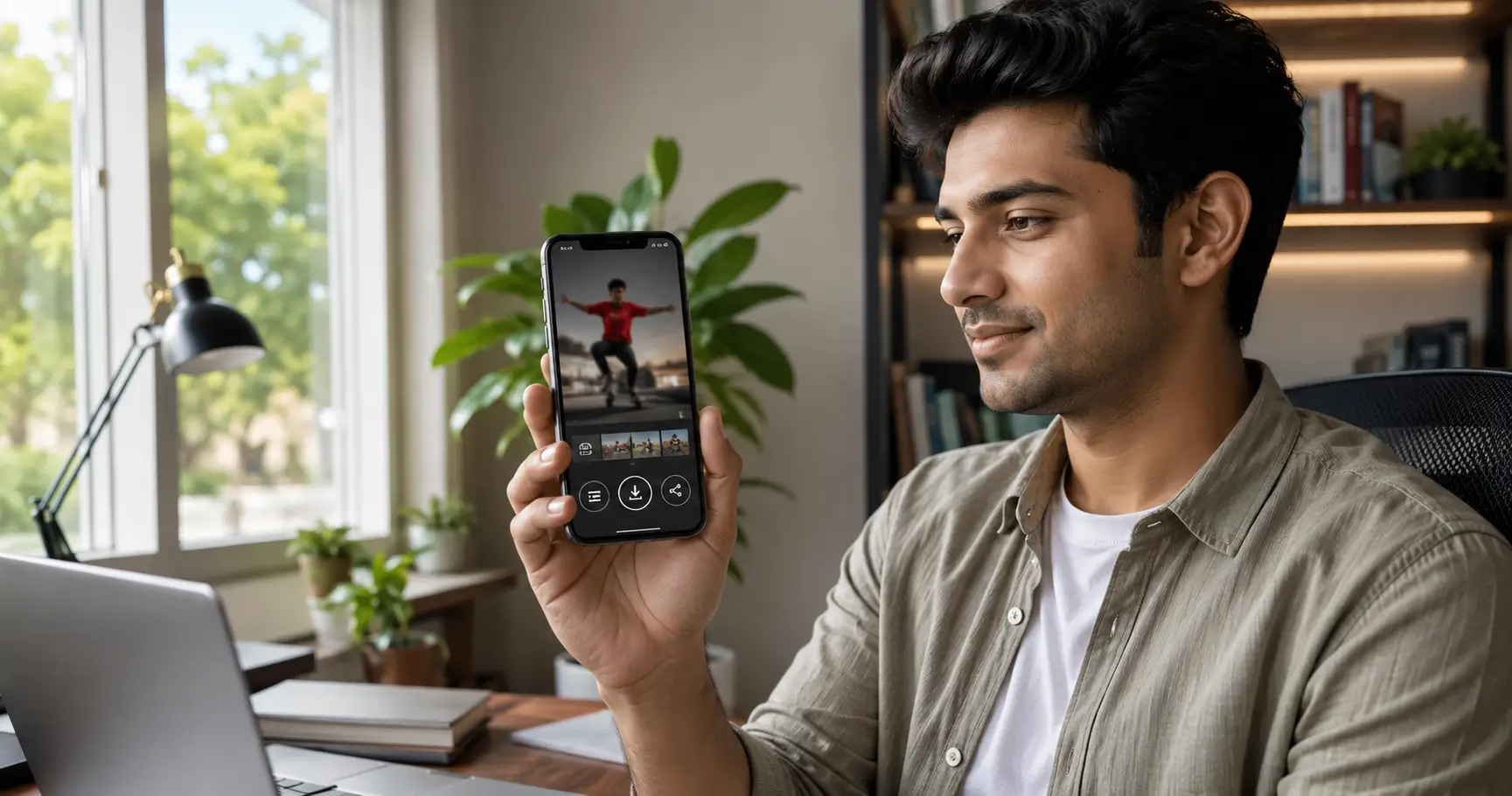
An Instagram Reels download means saving a video from Instagram to your device so you can access it outside the Instagram app.
There are two different concepts:
- Instagram Save: stores the Reel inside your Instagram account for later viewing.
- Download: creates a local video file on your phone or computer.
This difference matters because saving a Reel inside Instagram does not normally place an MP4 video in your gallery.
Instagram introduced Reels as a short-form video format designed for creation and discovery. Public Reels can reach audiences beyond the creator’s followers, while private-account Reels remain subject to the account’s privacy settings.
Instagram Reels Download: The Official Method
The safest first option is always Instagram’s own download functionality when it is available.
Instagram introduced the ability to download eligible Reels from public accounts directly to a device. The feature gives creators control over whether their Reels can be downloaded.
How to download a public Reel
- Open the Instagram app.
- Find the Reel you want to save.
- Tap the Share icon.
- Look for Download.
- Tap Download if the option is available.
- Check your phone’s Photos or Gallery app.
The exact interface can change as Instagram updates its app, so a missing Download button does not necessarily mean something is wrong with your phone.
It may mean the Reel, account, region, or creator settings do not permit downloading.
Why the official method is preferable
The biggest advantage is trust.
You are using Instagram’s own interface rather than handing a Reel URL to an unfamiliar website. You also avoid the common problem of fake download buttons or services that ask for unnecessary account information.
Official downloads may also include attribution or an Instagram watermark, depending on the Reel and current Instagram implementation.
What If the Download Button Is Missing?
This is one of the most common questions surrounding Instagram Reel downloads.
A missing button can have several explanations.
The Reel may not be eligible
Instagram’s download functionality is not universal. Public-account content can be downloadable, but creators can control whether downloads are permitted.
Private content is different. A private account restricts access to approved followers, so attempting to bypass that restriction with a downloader is neither a reliable nor responsible approach.
The app may need updating
If your Instagram application is significantly out of date, available features may differ from current versions.
Check your device’s official app store and install the latest legitimate Instagram update.
The feature may appear differently
Instagram regularly changes its interface and tests features across markets.
A button that appears in one version may be located elsewhere in another. Avoid assuming that every screenshot or tutorial published online reflects the current interface.
How to Download Instagram Reels Without an App
Some users prefer not to install another application simply to download one video.
For public Reels, browser-based downloader services may offer a simpler workflow. Typically, the process looks like this:
- Open the public Reel.
- Copy its link.
- Open a reputable browser-based downloader.
- Paste the Reel URL.
- Preview the result.
- Download the available video file.
However, the convenience comes with a responsibility: do not enter your Instagram password into a downloader website.
A legitimate URL-based workflow should not require your Instagram login credentials merely to process a publicly accessible Reel.
A simple safety test
Before using any third-party Instagram video downloader, ask:
- Does it demand my Instagram password?
- Does it require an unnecessary app installation?
- Does it open multiple suspicious tabs?
- Does the download button look deceptive?
- Does it make unrealistic promises?
- Does it clearly explain what data it collects?
- Does it respect private-account restrictions?
If several answers concern you, leave the site.
How to Download Instagram Reels on Android
Android users have several practical options.
The official Instagram download feature is the preferred route when available. Once downloaded, the Reel generally becomes accessible through the device’s media library.
If you use a browser-based method for a public Reel, the file may initially appear in the Downloads folder rather than directly in your Gallery.
Android checklist
- Copy the public Reel link.
- Use a reputable browser-based downloader if the official option is unavailable.
- Download the video.
- Open Files or Downloads.
- Move or save the video to your preferred media folder if necessary.
- Check Google Photos or your device’s Gallery.
Avoid installing unknown APK files promoted as “Instagram downloader” applications. An unfamiliar APK carries substantially more risk than using the official Instagram app or a standard browser.
How to Download Instagram Reels on iPhone
The iPhone workflow is similarly straightforward.
When Instagram provides the Download option, use it first.
For a legitimate public Reel URL processed through a browser-based service, Safari may save the file to the Downloads folder rather than directly into Photos.
You can then open the downloaded file and use the available sharing or saving options to place it in your Photos library.
The important point is that you should not need to provide your Instagram credentials simply to download a publicly accessible video.
Can You Download Reels From Private Accounts?
You should not try to bypass a private account’s access controls.
Private accounts exist specifically to restrict content to an approved audience. A third-party website claiming that it can bypass Instagram’s privacy restrictions should be treated as a major warning sign.
If you need a Reel from a private account, the responsible solution is simple: ask the creator to send you the video or grant appropriate access.
Trying to circumvent privacy controls can create both ethical and legal problems.
Are Instagram Reels Downloaders Safe?
Not automatically.
The phrase “Instagram downloader” describes a type of service, not a guarantee of quality or security.
Some services may simply process publicly available media. Others may use aggressive advertising, redirects, tracking technologies, or questionable download flows.
Five signs of a safer downloader
1. No Instagram password required
A public Reel URL should not require your account credentials.
2. HTTPS connection
Look for a secure browser connection, although HTTPS alone does not prove that a website is trustworthy.
3. Clear download controls
Avoid pages where multiple oversized buttons make it difficult to identify the real download action.
4. Transparent privacy information
A service should explain what information it collects and why.
5. No private-account bypass claims
A site promising access to private content should immediately raise suspicion.
Instagram Reels Download and Copyright: What You Need to Know
Downloading a video and having permission to reuse or republish that video are two different things.
A Reel may be publicly visible while still being protected by copyright.
Under India’s Copyright Act, copyright owners generally have exclusive rights over reproduction and other uses of protected works, while Section 52 provides specific exceptions for certain uses such as qualifying private use, research, criticism, review, and reporting of current events. The precise application depends on the circumstances.
That means downloading a Reel for personal reference is not the same legal question as:
- uploading it to your own Instagram account,
- publishing it on YouTube,
- using it in an advertisement,
- removing creator attribution,
- selling it,
- or building a commercial compilation.
Publicly available does not automatically mean copyright-free.
If you want to reuse someone else’s Reel commercially, obtain appropriate permission or a licence whenever required.
A Practical Example: Creator Inspiration vs. Content Theft
Imagine a food creator publishes a 30-second Reel showing a new recipe.
You download it because you want to remember the cooking technique.
That is very different from downloading the same Reel, adding your logo, and uploading it to your own account as original content.
In the first situation, you are keeping something for reference. In the second, you are potentially reproducing someone else’s creative work.
This distinction is one of the most important things to understand before using an Instagram video downloader.
Download vs. Save: Which Should You Use?
| Goal | Best option |
|---|---|
| Watch later on Instagram | Save Reel |
| Keep a public Reel on your phone | Official Download, when available |
| Keep your own original Reel | Download/export your own content |
| Share someone else’s Reel | Instagram’s Share/Repost features |
| Reuse someone else’s content commercially | Obtain permission/licence |
| Access a private Reel without permission | Do not attempt it |
Instagram has also expanded ways to share and repost public content, giving users alternatives to downloading a video simply to share it elsewhere.
Common Instagram Reels Download Mistakes
Mistake 1: Giving away your Instagram password
This is unnecessary for a public Reel and creates avoidable account-security risk.
Mistake 2: Downloading from a suspicious pop-up
A page can contain a genuine download function while also displaying deceptive advertisements. Do not click blindly.
Mistake 3: Assuming every downloaded Reel is copyright-free
A downloaded file is still someone else’s creative work unless you own it or have appropriate rights.
Mistake 4: Reposting without attribution or permission
Tagging the creator is good practice, but credit alone does not automatically grant permission to reproduce copyrighted content.
Mistake 5: Installing random downloader APKs
A browser-based workflow or Instagram’s official functionality is generally preferable to installing unknown software.
Myths vs. Facts
| Myth | Fact |
|---|---|
| “If a Reel is public, anyone owns it.” | Public visibility does not automatically transfer copyright ownership. |
| “Every downloader needs an Instagram login.” | A public Reel URL can often be processed without your Instagram credentials. |
| “Credit means I can repost anything.” | Attribution does not automatically replace permission or a licence. |
| “Private Reels can be downloaded with the right tool.” | Claims to bypass private access should be treated as a major warning sign. |
| “The Instagram Save button downloads the video.” | Save normally bookmarks content inside Instagram rather than creating a local video file. |
A Safer Step-by-Step Download Strategy
If you need to save a Reel, use this order of preference:
- Try Instagram’s official Download option.
- If unavailable, determine whether you genuinely need a local copy.
- For a public Reel, use a reputable browser-based solution if appropriate.
- Never provide your Instagram password to an unfamiliar downloader.
- Scan downloaded files if something seems unusual.
- Keep the creator’s attribution intact.
- Do not repost or commercially reuse content without appropriate rights.
- For private content, ask the owner instead of trying to bypass access controls.
This approach solves the practical problem without turning a simple download into a security or copyright problem.
Why Instagram Reels Continue to Matter
The demand for Reel downloads reflects the broader importance of short-form video.
Meta has continued investing heavily in Reels. In India, Meta has described Reels as a major way people connect, create, and collaborate, and it has tested Reels-first experiences for some users.
Meta has also continued adding features around Reels creation, experimentation, sharing, and discovery. Trial Reels, for example, allow eligible creators to test content with non-followers before deciding whether to share it more broadly.
That makes Reels useful not only for entertainment but also for learning, trend research, marketing, education, product discovery, and creator inspiration.
Key Takeaways
The simplest answer to “How do I download an Instagram Reel?” is:
Use Instagram’s built-in Download option whenever it is available.
For public Reels where that option is unavailable, a reputable URL-based downloader may be an alternative, but you should never provide your Instagram password or attempt to bypass private-account restrictions.
Most importantly, remember that downloading a Reel does not automatically give you the right to republish it.
A smart Instagram user thinks about three things together: access, security, and copyright.
That combination is far more useful than simply finding the fastest download button.
FAQ
Can I download Instagram Reels directly from Instagram?
Yes. Instagram provides a Download option for eligible Reels, particularly downloadable content from public accounts. The creator can control whether their Reel is available for download.
How do I download an Instagram Reel to my phone?
Open the Reel, tap the Share button, and select Download when the option is available. The video can then be accessed through your phone’s media storage.
Can I download Instagram Reels without an app?
Yes. For eligible public Reels, you can use Instagram’s built-in feature without installing another application. Browser-based third-party downloaders may also process public Reel links, but choose services carefully.
Can I download a Reel from a private Instagram account?
You should not attempt to bypass private-account restrictions. If you need the video, ask the account owner to provide it or grant appropriate access.
Is it legal to download Instagram Reels?
Downloading and reusing content are separate issues. Copyright law can restrict reproduction or distribution, although specific exceptions may apply depending on the circumstances. In India, Section 52 of the Copyright Act contains defined exceptions.
Can I repost a downloaded Instagram Reel?
Not automatically. Downloading a Reel does not give you ownership of the creator’s copyright. If you want to repost or use it commercially, obtain permission or an appropriate licence unless a valid legal exception applies.
Conclusion
Instagram Reels are designed to be watched, shared, and discovered quickly, so wanting to keep a useful video is completely understandable. But the smartest Instagram Reels download strategy is not simply finding the fastest downloader.
Start with Instagram’s own Download option whenever it is available. For public content that requires another method, prioritize services that do not request your Instagram credentials and never attempt to bypass private-account protections.
Most importantly, separate downloading from republishing. A Reel being publicly visible does not mean its creator has surrendered copyright.
If you follow those three principles—use official tools first, protect your account, and respect creator rights—you can save useful Reels while avoiding many of the security and copyright mistakes that come with careless downloading.
Disclaimer
Disclaimer: This article is provided for general informational and educational purposes only. Instagram’s features, download options, account settings, and interface may change over time or vary by user, device, and region. Always use Instagram’s official features where available and avoid providing your Instagram password to third-party downloading services. Downloading a video does not automatically grant permission to reproduce, modify, distribute, or commercially use the creator’s content. Copyright and privacy laws can vary by jurisdiction and circumstance. For specific legal questions, consult a qualified legal professional.